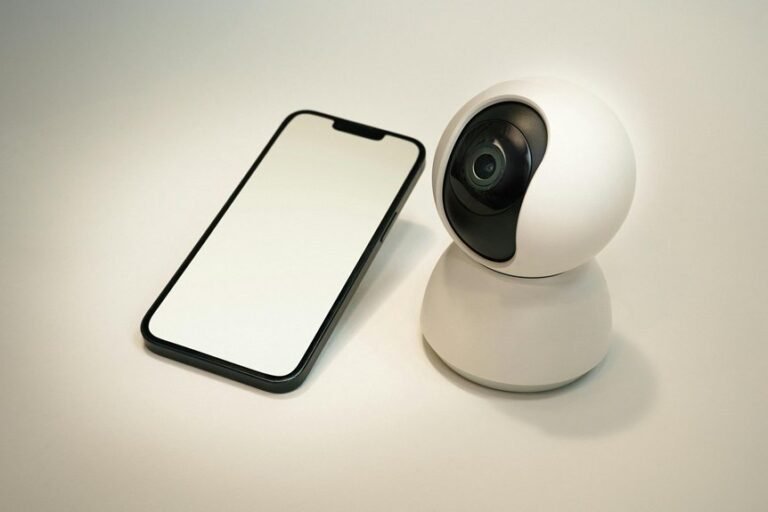
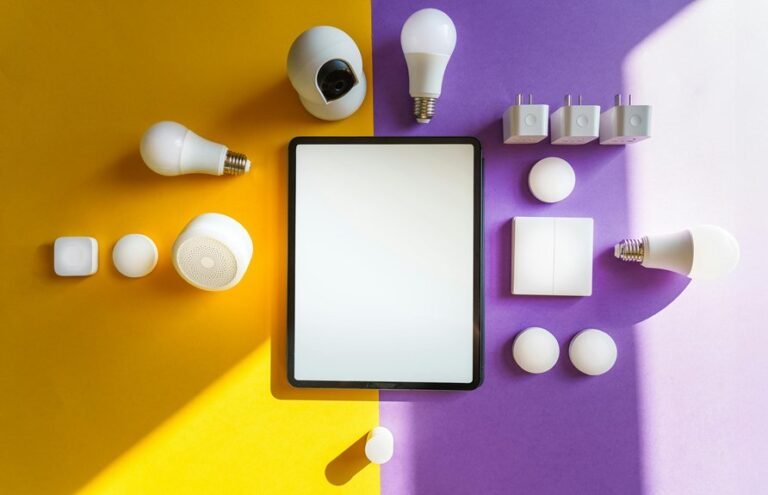
You want simpler evenings but fear tech will complicate things; voice-controlled lights can bridge that gap. They let you set scenes, dim rooms, and start routines through speaking, so you don’t fumble for switches whenever you’re tired or carrying bags. You’ll learn how platforms differ, which bulbs and hubs work together, quick setup tips, useful commands, energy and safety perks, and privacy safeguards—so you can try hands-free lighting with confidence.
What Is Voice-Controlled Lighting and Why It Helps
At the time you’ve ever wished you could change the lights without getting up, voice-controlled lighting makes that wish real through letting you speak simple commands to turn lights on or off, dim them, or switch scenes.
You’ll find it’s a friendly way to shape your home around moments, using ambient scenes that match reading, relaxing, or gathering. It feels like the house understands you, and that sense of belonging matters.
You can set personalized scenes for family routines and enable elder assistance so older relatives get help without strain. The system listens for familiar voices, learns preferences, and connects to other devices so control stays simple.
You’ll notice safer movement at night, easier routines, and a warmer shared space for everyone.
Voice Platforms: Alexa, Google Assistant, and Siri – Differences
At the time you pick a voice platform for your lights, check which devices it works with so you don’t end up with bulbs that won’t respond.
You’ll also notice each assistant uses different phrasing and commands, so some requests feel more natural on one platform than another.
Next we’ll compare compatibility and command styles side‑by‑side so you can choose the one that fits your home and speaking habits.
Compatibility With Devices
Although each voice platform speaks the same basic language of commands, you’ll notice clear differences in how Alexa, Google Assistant, and Siri connect with lights and other devices, so choosing one affects what your smart home can do.
You want devices that join your home community easily. Alexa often supports many brands and gives strong cross ecosystem compatibility, so mixers of bulbs and switches usually play together.
Google Assistant links well with services and cloud based products and favors accessory interoperability through routine sharing.
Siri works smoothly within Apple gear and makes scenes feel personal.
Consider the devices you already own. Pick the assistant that matches your collection so everything cooperates and feels welcome.
Voice Command Differences
If you want voice control that feels natural, being aware how Alexa, Google Assistant, and Siri differ will help you pick the one that fits your daily routine. You’ll notice each platform handles command latency and accent adaptation differently, so you can choose what feels like family. Alexa is flexible with smart home skills and often responds fast in busy homes. Google Assistant understands varied phrasing and adapts to accents well. Siri ties closely to your devices and feels private and familiar though it might take a beat more. You deserve tech that welcomes you, not frustrates you. Consider these emotional touchpoints as you decide.
- Faster responses ease stress.
- Better accent adaptation builds trust.
- Familiar phrasing creates comfort.
- Clear feedback increases belonging.
Choosing Smart Bulbs and Hubs That Work With Voice Control
Picking the right smart bulbs and hubs can feel confusing, but you don’t have to guess your way through it. You want bulbs that match your voice system, support color temperature adjustments, and play nicely with mesh networking so every room feels connected. Choose hubs that speak the same protocol as your bulbs and that let family members have profiles. Look for energy ratings, easy grouping, and reliable updates. Here’s a simple comparison to help you decide and belong to a community of users who care about comfort.
| Feature | Why it matters | What to look for |
|---|---|---|
| Protocol | Compatibility | Zigbee or Z Wave support |
| Color temp | Mood control | Tunable white |
| Mesh | Range | Strong node support |
| Profiles | Personalization | Multi user login |
| Energy | Savings | Efficient ratings |
Quick Setup: One-Room Voice Lighting in 10 Minutes
You’ve already picked bulbs and a hub that match your voice system, so now let’s get one room set up fast and without fuss. Plug in the hub, power the bulbs, and open the app. Follow the wireless pairing prompts; they’ll guide you step by step and keep things calm. Invite family to watch so setup feels shared and simple.
- Find the room and clear one surface to hold your phone and hub.
- Turn bulbs on and off as instructed to enter pairing mode.
- Complete app steps, name the room, and assign who gets control.
- Run a quick check, adjust brightness, and save a cozy scene for together time.
For temporary setups you can reuse these steps anywhere you move.
Sample Voice Commands and Phrases to Try
Want some quick phrases that feel natural and actually work? You can start with simple voice commands like “Turn on the living room lights” or “Lights off” once you’re ready to relax.
Try mood phrases such as “Set dining lights to warm” or “Make the bedroom dim” to create atmosphere.
For hands full moments, say “Brighten kitchen to 80 percent” or “Lower hallway lights via half.”
Use wakeful cues like “Good morning lights” and night cues like “Good night lights” for routine help.
In case you share the home, teach the system names for each person and ask “Set my lights to reading mode.” These phrase examples are easy to keep in mind and help you belong to a friendly, helpful home routine.
Creating Routines and Scenes for Daily Tasks
Upon setting up routines and scenes for daily tasks, you save time and make your home feel more alive and helpful. You’ll craft lighting rituals that match mornings, work hours, family dinners, and wind-down time. Start simple, choose moods, and name each scene so everyone in your home recognizes them. Use task choreography to link lights with actions like reading, cooking, or bedtime. That way your house supports your day without fuss.
- Morning glow that eases you awake and invites breakfast
- Focus mode that brightens the workspace and calms distractions
- Family warmth for meals that brings people closer
- Quiet night that dims gently and signals rest
You’ll feel seen and connected whenever your home moves with you.
Automating With Motion Sensors and Schedules
Upon motion sensors spotting movement and schedules kicking in, your lights obey without a second thought, making life easier and safer.
You set motion zones that follow daily patterns, and occupancy mapping learns where people move so lights come on only where needed.
You combine time-based schedules with sensor rules to avoid surprises and save energy.
You tweak adaptive thresholds so sensitivity matches your household rhythm, lowering false triggers at night and raising responsiveness in busy rooms.
You’ll feel connected to a system that knows your habits and respects them.
You can adjust delays, group sensors, and set priority scenes for visitors.
Small choices like these build trust and make shared spaces feel cared for.
Hands-Free Lighting Tips: Cooking, Bedtime, Coming Home
Whenever you’re cooking, you’ll want voice commands that brighten the stove area and lower glare without you touching a switch.
For bedtime, set soft, timed voice scenes that help you wind down and signal the house you’re asleep.
And for coming home, use arrival phrases that trigger porch and hallway lights so you feel safe and welcomed the moment you step inside.
Cooking With Voice
- Set a voice timer so nothing burns and you breathe easier.
- Ask for recipe prompts to move confidently from step to step.
- Use ingredient cues to reduce stress and share tasks.
- Keep lights bright or soft with simple commands during prep.
Bedtime And Arrival
As you wind down for the night or come home after a long day, voice-controlled lighting can make the shift feel calm and effortless.
You can create night rituals that cue soft warm light, lower brightness, and subtle color changes so your body relaxes. Use voice scenes to lock doors, dim hall lights, and turn on a gentle bedside lamp without fumbling.
For arrival shortcuts set a welcome scene that brightens entry lights, flashes a porch lamp, and turns on a hallway path so you feel safe and seen. Combine motion sensors with voice so lights follow you whenever you need them.
Invite household members to save their own scenes so everyone belongs to the same easy system and feels cared for.
Energy Savings and Safety Benefits of Voice Lighting
You’ll often notice that voice-controlled lights make saving energy feel effortless, and that ease can actually change how you use lighting at home. Whenever you ask lights to dim or turn off, you cut waste and feel proud of small habits. Built in energy monitoring helps you see those wins and keeps everyone included in cutting bills. Voice commands also enhance safety by enabling emergency lighting during power issues or whenever you need hands free in the dark. That mix of care and control brings people together and calms you upon something unexpected happens.
- You feel connected whenever smart lighting saves money for the whole household.
- You relax aware emergency lighting responds instantly.
- You celebrate small energy wins as a team.
- You trust clear usage data to guide better choices.
Integrating Voice Lighting With Other Smart Home Devices
As your lights talk to your thermostat, security camera, and speaker, your home feels like it finally understands you. You’ll love how Scene Synchronization links mood lighting with music, temperature, and locks so rooms shift together for dinner or movie night. You can set a morning routine where blinds open, lights brighten, and the heater nudges up without extra apps.
Voice Handoffs let you start a scene on one device and finish it on another, so you move through the house without repeating commands. That feeling of being seen matters. You’ll feel supported whenever devices respond as one. You’ll also find it easy to add more gadgets later and keep everything working smoothly for you and your people.
Privacy & Security for Voice-Controlled Lights
At the moment you set up voice-controlled lights, you’ll want to make sure only trusted devices and people can control them through using strong device authentication methods like unique keys, mutual verification, and regular firmware checks.
You should also look for systems that process voice commands locally on the hub or bulb to keep your conversations and habits private instead of sending everything to external servers.
Together these approaches give you practical, layered protection that feels simple to use and keeps your home comfortable and secure.
Device Authentication Methods
Because voice-controlled lights sit at the center of your home, device authentication matters more than you might assume, and you should feel confident about how your system checks who’s allowed to control it. You want safety and belonging, so choose methods that fit your household.
voiceprint security can let the system recognize family members through tone and phrasing while keeping strangers out. Pair that with hardware tokens for trusted guests and routines, so access feels personal and reliable. Use multi-factor checks whenever needed to protect shared spaces and preserve warmth.
- voiceprint security for easy, familiar access
- hardware tokens for tangible trust
- PINs for visitors and temporary access
- Account pairing for shared family control
Local Voice Processing
If you want quiet confidence that your voice commands stay in your home, local voice processing keeps the recognition and decision making on the device itself so your words don’t have to travel to external servers. You’ll feel safer whenever on device processing handles your requests, because the audio stays private and responses happen faster.
You can personalize interactions with wake word customization so the system recognizes you and feels like part of the household. Devices learn your preferences while protecting them, and they limit data sharing to what you allow.
Whenever neighbors and family use the same setup, everyone benefits from consistent privacy and simple control. You get reliability, warmth, and respect for your home routines.
Costs, Budgeting Tips, and a Troubleshooting Checklist
Planning voice-controlled lighting can feel overwhelming, but you’re not alone and you can make smart decisions without stress. Start estimating upfront costs for bulbs, hubs, and installation, and plan purchase timing to catch sales or bundle deals. Check warranty coverage and join user groups so you feel supported. Keep a budget that covers upgrades and energy savings over time.
- You’ll save peace of mind through tracking receipts and warranties
- You’ll join others as you choose compatible ecosystems
- You’ll feel relief whenever routine checks prevent surprises
- You’ll celebrate small wins as energy bills drop
Troubleshooting checklist: reboot hub, verify Wi Fi, update firmware, reset devices, confirm voice profile, swap bulb, check wiring, contact support.
Frequently Asked Questions
How Do Voice-Controlled Lights Affect My Home’s Wi-Fi Bandwidth?
Voice-controlled lights use very little data; however, if many smart devices operate simultaneously they can congest your router. Assign quality-of-service rules or place high-traffic devices on a separate network or guest SSID, and keep your router firmware current to maintain smooth connections for all users.
Can Voice Lighting Work During Internet Outages?
Yes. Many voice-controlled lighting systems offer local control and offline command processing, so your lights can still respond and keep your home safe even if the internet goes down.
Are There Accessibility Benefits for Users With Disabilities?
Yes. Hands-free control and customizable interfaces let you operate lighting with voice commands or saved scenes, making your home easier to navigate, more comfortable, and supportive of your daily routines.
Do Voice-Controlled Bulbs Require Professional Electrical Work?
Most of the time you can install voice-controlled bulbs yourself and avoid paying an electrician. If your light fixture requires rewiring or you want to add a smart switch that replaces existing wall wiring, hire a qualified electrician. If you’d like, I can walk you through the steps to check compatibility and perform a safe DIY installation or help you prepare questions for a professional.
How Do Firmware Updates Impact Bulb Performance and Compatibility?
Firmware updates act like maintenance for smart bulbs: they improve stability, add specific features, and fix known bugs. However, some updates can unintentionally remove or change functions used by certain apps or hubs, so update deliberately and prefer releases validated by the user community.