Smart wearables have transformed how you interact with technology. These devices, such as fitness trackers and smartwatches, offer convenience and enhance your daily activities. Did you know that nearly 50% of U.S. internet households now own and actively use wearable devices? This growing trend raises important questions about how these wearables communicate with home technology. How do they work together to improve your everyday life?
Year | Market Size (USD Billion) | CAGR (%) |
|---|---|---|
2025 | 92.90 | N/A |
2033 | 229.97 | 12.1 |
As the market for smart wearables expands, understanding their integration with home systems becomes essential.
Key Takeaways
Integrating smart wearables with home devices enhances your daily experience by creating context-aware environments that adapt to your needs.
You can streamline daily tasks by controlling home functions directly from your wearable, making life easier and more convenient.
Choosing compatible devices is crucial for successful integration; consider features like health tracking accuracy and battery life.
Setting up communication between wearables and home devices involves identifying key use cases and ensuring strong security measures.
Expect future advancements to create even more seamless connections between wearables and home systems, improving your lifestyle.
Why Integration Matters
Enhancing User Experience
Integrating smart wearables with home devices significantly enhances your user experience. These wearables, such as fitness trackers and smartwatches, collect real-time data about your activities and health. This data allows home devices to adapt to your needs. For example, imagine your smart lighting adjusting based on your stress levels detected by your wearable. This context-aware experience creates a more personalized environment.
The benefits of this integration are numerous:
Benefit | Description |
|---|---|
Context-Aware Experiences | Wearables collect real-time data, allowing home devices to adapt to users’ conditions. |
Proactive Product Actions | Devices can anticipate user needs, like a coffee maker starting when you wake up. |
Enhanced Engagement | Ongoing interactions through notifications increase user satisfaction and loyalty. |
Data-Driven Innovation | Integration provides insights into user interactions, informing product improvements. |
Brand Differentiation | Connecting with wearables positions brands as innovative, attracting tech-savvy customers. |
Streamlining Daily Tasks
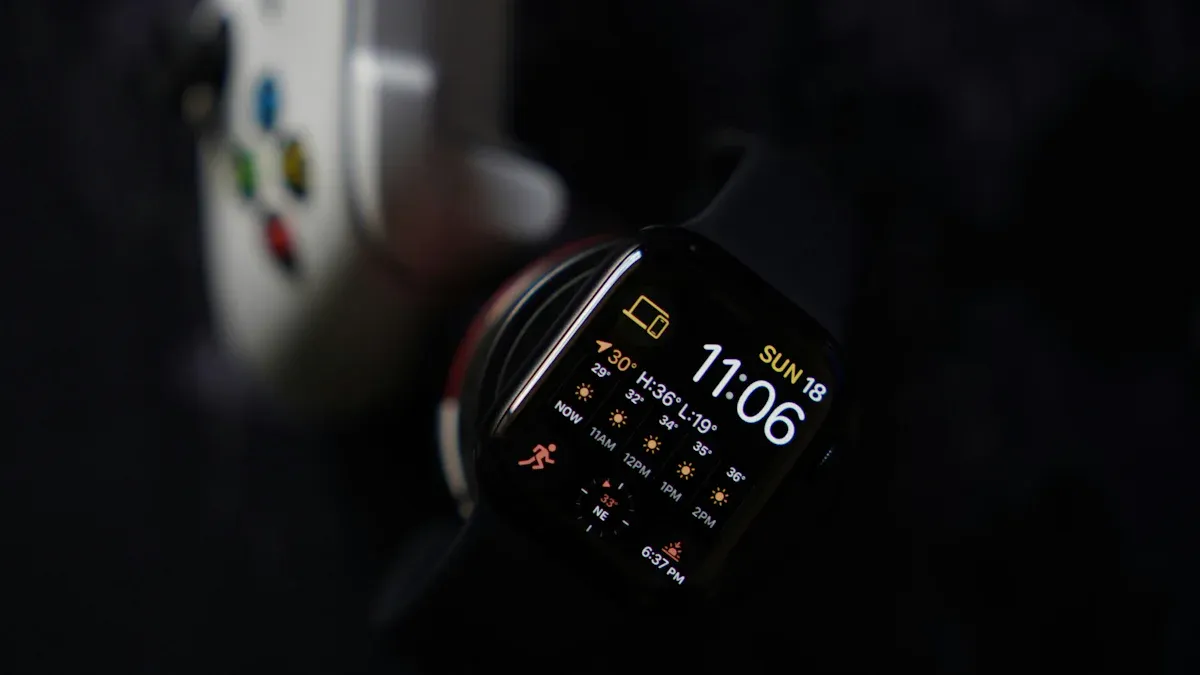
Integration also streamlines your daily tasks. You can control various home functions directly from your wrist or through voice commands. For instance, you can adjust lights, thermostats, or music without needing to reach for your phone. This convenience is especially beneficial for those with physical or cognitive challenges.
Users report significant improvements in their daily routines after integrating wearables with home automation systems. Here are some common tasks that become easier:
Adjusting lights, thermostats, or music from your wrist or voice
Receiving security camera alerts on a wearable screen
Using geolocation to trigger home automation routines
Moreover, long-term use of wearables correlates with a greater sense of ownership over health goals. When wearables provide real-time feedback and integrate with health ecosystems, you feel more engaged in your health management. This engagement leads to better health outcomes and a more satisfying daily experience.
Recent advancements in IoT-enhanced wearables, like Oticon’s Opn hearing aid, show how these devices connect to smart home appliances. They ensure you can hear alerts regardless of your location. Similarly, OrCam’s MyEye wearable camera assists visually impaired users by recognizing text and faces, promoting social inclusion.
Communication Strategies for Wearables
Technologies Used
Smart wearables rely on various communication technologies to connect with home devices. These technologies ensure seamless interaction and data exchange. Here are some of the most commonly used technologies:
Bluetooth Low Energy (BLE): This technology is favored for its low power consumption. It works well with various devices, making it ideal for smart wearables.
Advanced Navigation Technologies (ANT+): Primarily used in sports and fitness applications, ANT+ supports low-power, high-bandwidth communication. This feature is essential for devices like heart rate monitors and fitness trackers.
When comparing Bluetooth and Wi-Fi, you should consider several factors. The table below highlights key differences between these two technologies:
Feature | Bluetooth | Wi-Fi |
|---|---|---|
Range | Up to 100 meters | Up to 100 meters indoors |
Data Transfer Speed | Lower than Wi-Fi | Up to several Gbps |
Power Consumption | Low (ideal for wearables) | Higher (less suitable for battery-operated devices) |
Interference | Less prone to interference | Can experience signal interference |
Role of IoT Platforms
IoT platforms play a crucial role in ensuring secure communication between smart wearables and home devices. They facilitate connectivity and enhance the overall user experience. Here are some key functions of IoT platforms:
Data interception and exploitation: Communication between IoT devices can be intercepted, leading to potential misuse of personal information.
Devices as breach opportunities: The rapid advancement of IoT technology has outpaced security measures, making devices vulnerable to cyberattacks.
To maintain security, several protocols are commonly used in smart wearable and home device communication:
Bluetooth: This widely used protocol ensures secure and efficient low-power, low-cost wireless data transmission.
DTLS (Datagram Transport Layer Security): This protocol secures UDP communications, providing data integrity and privacy, especially in CoAP-based IoT networks.
Interoperability standards also influence the effectiveness of smart wearable and home device integration. These standards enable devices to collaborate effectively, enhancing real-time data sharing and improving user experiences. For example, standards like FHIR and HL7 facilitate better integration of health data, leading to improved patient care.
By understanding these communication strategies, you can make informed decisions about integrating smart wearables into your home ecosystem.
Real-World Integration Examples
Successful Integrations
Many companies have successfully integrated smart wearables with home devices, enhancing user experience and convenience. For instance, Omron Healthcare offers the Omron Platinum Blood Pressure Monitor. This device connects via Bluetooth, allowing you to monitor your blood pressure in real-time. It supports multiple users, making it ideal for families.
Company | Top Product | Older Product | Features and Benefits | Strategies Applied on Customers |
|---|---|---|---|---|
Omron Healthcare | Omron Platinum Blood Pressure Monitor | Omron HEM-780 (2008) | – Bluetooth connectivity | – Expanding product offerings |
Another example is the Healthier India Program by FITT. This initiative aims to tackle cardio-metabolic challenges through innovative health solutions, showcasing how wearables can play a vital role in preventive healthcare.
User Testimonials
Users have shared their positive experiences with smart wearables and home integration. One user stated, “My smartwatch alerts me when my blood pressure spikes. It connects seamlessly with my home monitor, making it easy to track my health.” This integration allows for proactive health management.
Another user mentioned, “I love how my fitness tracker controls my smart lights. When I finish my workout, the lights automatically brighten, creating a motivating environment.” This seamless integration enhances daily routines and promotes a healthier lifestyle.
However, some users face challenges. Issues like data accuracy and interoperability can affect the overall experience. For instance, inaccurate data from wearables can lead to mistrust. Additionally, if devices do not connect smoothly, it can hinder functionality. Addressing these challenges is crucial for improving user satisfaction.
Steps for Effective Implementation
Choosing Compatible Devices
When integrating smart wearables with home devices, you must choose compatible options. Consider the following criteria to ensure a successful match:
Criteria | Description |
|---|---|
Health and Fitness Tracking | Evaluate accuracy and depth of features like heart rate monitoring, GPS, and sleep tracking. |
Design and Comfort | Consider case size, material, display technology, and water resistance for user comfort. |
Battery Life and Charging | Assess battery longevity, charging speed, and impact of features like GPS on battery performance. |
Smart Features and Ecosystem | Look for notification capabilities, mobile payments, and app ecosystem compatibility. |
Software and Companion App | Ensure data presentation is clear and the app is compatible with your smartphone’s OS. |
Choosing the right devices enhances your overall experience. Premium wearable tech devices often offer advanced features, while entry-level options provide essential functionalities.
Setting Up Communication
Setting up communication between your smart wearables and home devices involves several steps. Follow these recommendations for a smooth integration:
Identify High-Value Use Cases: Focus on scenarios where wearable data enhances convenience, safety, or personalization.
Build Seamless Connectivity: Utilize platforms like Apple HealthKit or Google Fit and Bluetooth Low Energy (BLE).
Prioritize Privacy and Security: Implement strong encryption and transparent data policies.
Establish Feedback Loops: Use tools like Zigpoll to gather and analyze user feedback continuously.
Collaborate with Wearable Makers: Partner with device manufacturers and app developers for compatibility.
Design Intuitive Interfaces: Ensure easy customization through apps or voice assistants.
Common setup issues can arise during this process. Here are some challenges to watch for:
Network Requirements: Ensure the device meets the specific network requirements, such as compatibility with 2.4 GHz or 5 GHz networks.
Password Verification: Enter the correct passwords for the Samsung account, device, and home network, as incorrect entries are a common failure point.
Signal Strength: Check the signal strength near the device; weak signals can hinder connectivity.
Wi-Fi Enabled: Confirm that Wi-Fi is enabled on the device, as some appliances require manual activation.
Connected Devices: Reduce the number of devices connected to the network, as too many can overwhelm the router.
Power Cycle the Network: Restart the network to resolve connectivity issues.
By following these steps, you can effectively implement smart wearables and enhance your home integration experience.
Integrating smart wearables with home devices offers numerous benefits. You can enjoy enhanced convenience and efficiency in your daily life. For instance, smart health monitoring devices help you manage energy consumption effectively. Studies show that this integration can lead to a 16.3% reduction in energy use and lower electricity costs.
As technology evolves, expect seamless digital connections between wearables and home systems. This will create intuitive user experiences tailored to your needs. Explore the integration options available in your home to unlock these advantages and improve your lifestyle.