
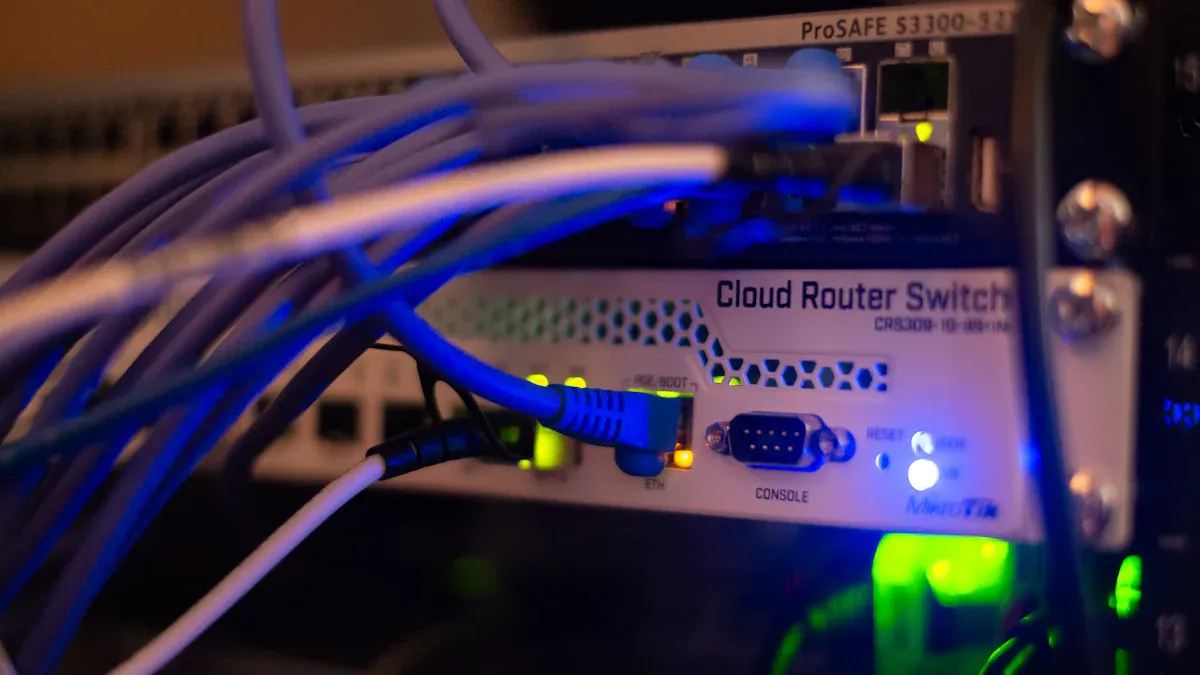
As smart devices multiply in your home, Home Network Optimization becomes essential. In 2023, U.S. households average 17 connected devices, which significantly increases your network’s vulnerability. With the average cost of a security breach involving smart home devices reaching $5,800, you must prioritize IoT security. Protecting your personal data and privacy is crucial as the adoption of smart technologies continues to grow.
Remember, a well-optimized home network not only enhances performance but also strengthens your defenses against potential threats.
Key Takeaways
Optimize your home network by understanding its components, such as routers and gateways, to improve performance and security.
Regularly update the firmware of your smart devices to protect against vulnerabilities and enhance functionality.
Create strong, unique passwords for each device to prevent unauthorized access and consider using a password manager for better security.
Implement network segmentation by creating separate networks for IoT devices to reduce the risk of cyber threats and protect personal data.
Monitor your network traffic to identify unusual activities that may indicate security breaches, allowing for quick responses to potential threats.
Home Network Basics

Components of a Home Network
A home network consists of several key components that work together to provide connectivity for your smart devices. Understanding these components helps you optimize your network for better performance and security. Here’s a breakdown of the essential parts:
Component | Function |
|---|---|
Gateway | Establishes connectivity to a WAN provided by an ISP, integrating modem functionality. |
Router | Connects the WAN to the local area network, performing network address translation. |
Wireless Access Point | Provides Wi-Fi connectivity for mobile devices within the home network. |
Network Switch | Connects multiple wired Ethernet devices, allowing for devices that require a wired connection. |
Network Bridge | Connects wired-only devices to a wireless network. |
Smart Home Hub | Acts as a controller for various smart devices, enhancing home automation capabilities. |
Common Smart Devices
Smart devices have become integral to modern homes. They enhance convenience and efficiency but require specific connectivity to function properly. Here are some common smart devices and their connectivity needs:
Smart Lighting Systems – Require Wi-Fi for remote control.
Smart Security Devices – Need internet connectivity for monitoring.
Smart Thermostats – Typically require Wi-Fi for full functionality.
Smart Appliances – Often need internet for remote operation.
Smart Speakers and Voice Assistants – Require Wi-Fi to connect with other devices.
Smart Entertainment Systems – Usually need internet for streaming and control.
Smart Energy Devices – Require internet for monitoring and control.
Smart Health and Wellness Devices – Often need Wi-Fi for data tracking and integration.
As you add more connected devices to your home, remember that network optimization is crucial. Overloaded networks can lead to delays and reduced functionality of your smart devices. Proper placement of network equipment and reducing interference are important for maintaining performance.
Device Management Tips
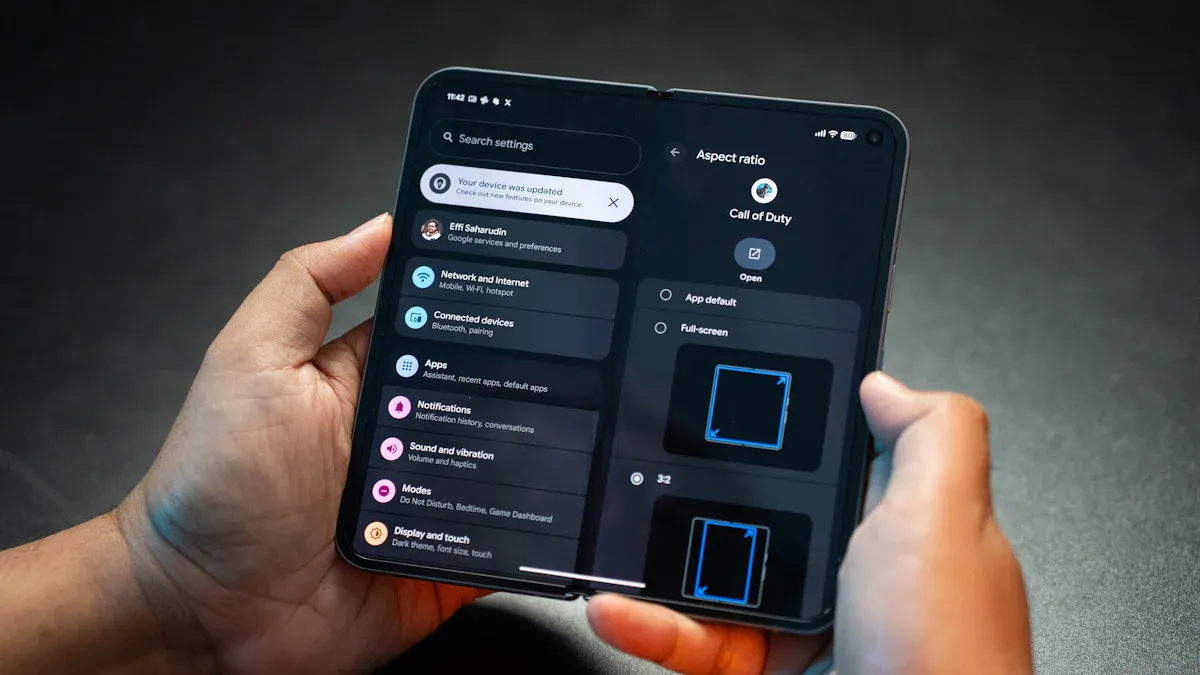
Update Firmware Regularly
Keeping your smart devices updated is crucial for maintaining security. Manufacturers frequently release firmware updates to fix vulnerabilities and improve functionality. You should update your devices as soon as you receive an alert. Additionally, check the manufacturer’s website at least once a month to ensure you do not miss any updates. Regular updates help protect your devices from potential threats.
Remember, outdated firmware can leave your devices exposed to cyber attacks.
Use Strong Passwords
Creating strong passwords is essential for securing your smart devices. Weak or default passwords are a common vulnerability. Nearly 65% of consumers do not change default passwords or usernames on their smart devices. This oversight can lead to significant security breaches. Here are some effective methods for creating strong passwords:
Create unique passwords for each device to enhance security.
Combine numbers, symbols, and letters to increase password complexity.
Use a password manager to keep track of all passwords securely.
Avoid using easily guessable words or personal details in passwords.
Change default passwords immediately after setting up new devices.
Use long passwords with at least 16 characters.
Consider using a phrase or a string of random words to create a memorable yet complex password.
Always enable multi-factor authentication (MFA) for an extra layer of security.
By following these practices, you can significantly reduce the risk of unauthorized access to your devices.
A password manager can generate and store strong passwords securely, ensuring you access legitimate websites before entering credentials.
Disabling Unnecessary Features
Many smart devices come with features enabled by default that could pose security risks. Here are some common features you should consider disabling:
Weak Default Passwords: Many IoT devices come with weak or generic default passwords, such as “admin” or “1234,” which can be easily exploited.
Unnecessary Open Ports: Some devices have unnecessary open ports enabled by default, providing easy access for cybercriminals.
Unpatched Firmware: Devices may not receive critical security patches if left on default settings, making them vulnerable to exploits.
Default Data Sharing: Many devices share data with manufacturers or third parties by default, raising privacy concerns.
Remote Access Enabled: Remote access features can be a security risk if not properly secured.
By disabling these unnecessary features, you can enhance the security of your smart devices and protect your home network.
Implementing network segmentation in your smart home significantly elevates your cybersecurity posture. This practice protects your privacy and ensures your home remains secure against cyber threats.
IoT Security Through Network Segmentation
Create a Separate IoT Network
Creating a separate network for your IoT devices is a vital step in enhancing your home’s security. By isolating these devices, you reduce the risk of cyber threats. Here are the steps to set up a dedicated IoT network:
Create Two Separate Networks: Ensure one network operates on a 2.4 GHz channel. This frequency is often more compatible with many IoT devices.
Establish Guest and Personal Networks: Set up a network for guests and another for your personal use. This keeps your main devices safe from potential vulnerabilities.
Set Up DHCP Providers: Configure three DHCP providers and three subnets: one for IoT devices, one for guests, and one for personal use.
Configure DNS Settings: Use OpenDNS as your DNS provider to enhance security.
Adjust Modem Settings: Put your modem in Bridge mode or enable PPPoE pass-through mode to avoid conflicts.
By following these steps, you create a more secure environment for your smart devices. This separation helps protect your personal data from potential breaches.
Benefits of VLANs for IoT
Using VLANs (Virtual Local Area Networks) offers significant advantages for IoT security. VLANs allow you to create separate virtual networks that isolate IoT devices from other network traffic. Here are some key benefits:
Enhanced Security: VLANs ensure that IoT devices cannot communicate with trusted devices. This isolation protects your critical systems from potential threats.
Reduced Attack Surface: By limiting communication between devices, you decrease the number of vulnerable points in your network. This makes it harder for cybercriminals to exploit security vulnerabilities.
Improved Compliance: Segmentation helps maintain compliance with regulations like PCI DSS. It controls access to sensitive data, ensuring that only authorized devices can connect.
Better Device Management: Clearly defining responsibilities for each device simplifies management. You can monitor and control access more effectively.
VLAN ID | Purpose |
|---|---|
40 | Staff Devices |
50 | IoT Devices (Smart Cameras, Sensors) |
60 | Guest Wi-Fi |
By implementing VLANs, you support a zero-trust security model. This approach enhances your home network’s performance and management while keeping your IoT devices secure from cyber threats.
Remember, network segmentation is a powerful tool in your cybersecurity arsenal. It not only protects your IoT devices but also strengthens your overall home network security.
Maintaining Security Measures
Implement Firewalls
Firewalls play a crucial role in protecting your home network from external threats targeting your smart devices. They act as a barrier between your trusted internal network and untrusted external networks. Here are some key functions of firewalls:
Firewalls monitor and control incoming and outgoing traffic.
They inspect data packets for malicious content.
Firewalls block harmful traffic before it reaches your devices.
To enhance your home network security, ensure your firewall is activated. This prevents unauthorized access and blocks external scans looking for vulnerabilities. Open ports can serve as entry points for attackers, making firewall usage critical. Consider using advanced firewalls like:
CUJO AI Smart Internet Security Firewall: Offers comprehensive protection for IoT devices with AI capabilities.
Firewalla Purple: Provides extensive monitoring and customization options for network traffic.
Monitor Network Traffic
Monitoring your network traffic is essential for identifying potential security threats. By keeping an eye on your network, you can detect unusual activities that may indicate a breach. Here are some common indicators of suspicious network traffic:
Indicator Type | Description |
|---|---|
Unusual Outbound Traffic | Sudden surge in outgoing traffic, especially during off-peak hours. |
Malicious IP Addresses | Connections to known harmful IP addresses or domains. |
Unexpected Network Protocols | Use of uncommon or suspicious network protocols. |
DNS Request Anomalies | Irregularities in DNS queries, such as requests for known malicious domains. |
You can use various tools to monitor your network traffic effectively. Some popular options include:
Tool Name | Description |
|---|---|
Fing | Quickly discovers IoT devices on the network but cannot analyze individual IoT activities. |
Wireshark | Captures IoT network traffic but requires technical expertise to use effectively. |
IoT Inspector | Open-source tool for discovering IoT devices, analyzing network traffic, and identifying security issues. |
PRTG Network Monitor | Provides visibility into IT, OT, and IoT infrastructures with customizable dashboards. |
Ntopng | Visualizes network traffic and identifies security issues like DDoS attacks and port scanning. |
By implementing continuous monitoring, you can enhance your network’s security. This proactive approach helps you respond quickly to potential threats, ensuring your smart devices remain safe.
Optimizing your home network and securing your smart devices is essential. Taking proactive steps today can lead to significant long-term benefits. Here are some advantages of maintaining strong security practices:
Benefit | Description |
|---|---|
Threat Identification | Proactive cybersecurity helps you identify threats before they cause irreversible damage. |
Enhanced Risk Management | You can address potential threats before they escalate into costly incidents. |
Future-focused Protection | Staying ahead of evolving cyber threats ensures a better security posture. |
Regulatory Compliance | Adhering to cybersecurity laws reduces legal and financial risks. |
Long-term Cost Efficiency | You can reduce expenses related to cyberattack remediation compared to reactive approaches. |
By implementing these practices, you protect your personal data and enjoy a safer smart home environment. Start optimizing your network today for a more secure tomorrow!
FAQ
What is network segmentation, and why is it important?
Network segmentation divides your home network into smaller parts. This practice enhances security by isolating IoT devices from critical systems. It reduces the risk of unauthorized access and limits potential damage from cyber threats.
How often should I update my smart device firmware?
You should update your smart device firmware regularly, ideally as soon as updates become available. Check for updates at least once a month to ensure your devices remain secure against vulnerabilities.
Can I use my existing router for IoT devices?
Yes, you can use your existing router for IoT devices. However, consider creating a separate network for these devices to enhance security and prevent them from accessing sensitive information on your main network.
What are the signs of a compromised smart device?
Signs of a compromised smart device include unusual behavior, unexpected data usage, or unfamiliar devices connected to your network. If you notice these signs, take immediate action to secure your devices.
How can I monitor my home network traffic effectively?
You can monitor your home network traffic using tools like Fing or Wireshark. These tools help you identify unusual activity and detect potential security threats, ensuring your smart devices remain safe.