
You probably want your smart home to make life easier, not add worry, so start with simple, practical fixes you can do tonight. Change weak or default passwords, enable two factor, and use a password manager. Lock down your Wi Fi with WPA3 or strong WPA2, hide or rename the SSID, and put devices on a guest network or VLAN. Turn on automatic firmware updates and remove unused apps or skills, checking each one’s permissions. Close exposed router ports, set up a VPN for remote access, and review camera and microphone settings, disabling anything you don’t require. Finally, enable logging, alerts, and a basic incident plan so you know who to call in the event something goes wrong, and map your devices so you can spot odd behavior quickly. Keep going to learn how to implement each step.
Quick Smart‑Home Security Fixes You Can Do Tonight

In case you want quick wins tonight, start with a few simple steps that protect your home without needing hours of tech work. You’ll feel calmer once you walk through each device and do a device reset on gadgets you’ve just set up or that act odd.
Next, check guest accounts on your network and devices and remove any you don’t recognize. Update firmware where the maker offers patches and disable remote access in case you don’t use it.
Change network names that reveal your home and turn off unused services like UPnP or Bluetooth. Create a simple device inventory so you know what connects.
Share these steps with housemates so everyone helps, and you’ll build safer habits together that last.
Weak or Default Passwords : Use Strong Passwords, 2FA, and a Manager
You probably use a simple password for a smart plug or camera because it’s easy, but attackers rely on that.
Start using strong unique passwords for every device, turn on two-factor authentication once it’s available, and store credentials in a trustworthy password manager so you don’t have to recall them all.
Together these steps make it much harder for someone to break into your home and give you back control with less worry.
Strong Unique Passwords
How often do you reuse the same easy password across devices and afterwards question why a single breach feels like a home invasion? You belong here, so let me walk you through making password complexity work for your household. Use unique passphrases for each device, mixing words, numbers, and symbols into friendly but long phrases you can recall. Store them in a manager so you don’t carry the weight alone.
| Device | Example tip |
|---|---|
| Camera | Phrase with location and year |
| Router | Add symbols and length |
| TV | Use unrelated words for uniqueness |
Creating distinct credentials protects everyone you care about. You’ll feel safer sharing digital space once each gadget has its own strong, memorable key.
Two-Factor Authentication
You’ve done the hard part through giving each device its own strong passphrase and saving them in a manager, and now it’s time to add a second layer of protection that actually stops most attackers. You’re not alone in this; many of us feel safer whenever our homes share the same care.
Enable two-factor authentication on every smart hub, camera, and account you control. Use authentication apps for one-time codes whenever possible because they’re faster and harder to phish than SMS. For extra assurance consider hardware tokens for critical accounts to block remote attacks.
Set recovery options thoughtfully and keep backup codes somewhere secure. When you add 2FA you invite trusted barriers around your devices and you protect the people you live with.
Password Manager Usage
Because weak and default passwords are the easiest way into a smart home, you should make a password manager the center of your defense plan; it keeps unique, strong passwords for every device and frees you from recalling them all.
You deserve to feel safe, and password vaults give you that community of protection through storing credentials securely. Use a reputable manager, enable two factor authentication, and check for compromised logins often. Be aware of autofill risks and turn off autofill on shared devices or guest accounts.
Sync only trusted devices, create a strong primary password, and back up your vault. Once you do this, you join others who protect their homes with smart, simple steps.
Secure Your Wi‑Fi for Smart Home Security (SSID, WPA3, Guest Network)
During the period you set up your home Wi Fi, start with the idea that the network is the front door to every smart device you own, and treat it in that manner. You can create a welcoming, safe space through choosing SSID naming that doesn’t reveal your name or address, adopting WPA3 adoption where available, and enabling a separate guest network for visitors. That way your trusted devices stay protected and everyone feels included.
| What to change | Why it helps | How to do it |
|---|---|---|
| SSID naming | Hides household identity | Pick neutral name |
| WPA3 adoption | Stronger encryption | Update router settings |
| Guest network | Isolates visitors | Enable and set limits |
| Passwords | Prevents guessing | Use long unique passphrase |
Outdated Firmware and Automatic Updates : Why They Matter
As soon as devices ship with old firmware or skip updates, they leave a wide-open door that anyone with basic skills can walk through, so you’ll want to make updating a routine as normal as charging your phone. You belong with others who keep their homes safe, and you’ll feel confident once you act.
Old firmware often comes from a weak firmware supply chain where upstream flaws hitch a ride into your device. Patch delay lets attackers exploit known holes, so enable automatic updates whenever you can. Register devices, check vendor notices, and set alerts for those that need manual installs.
Should a device stops getting updates, consider replacing it or isolating it on a guest network to reduce risk.
Risky Third‑Party Apps/Skills : Review and Limit Permissions
How do you know which third party apps and voice skills are safe to let into your home tech? You belong to a group that cares, so start with app auditing.
Check developer reputation, reviews, and permission lists. Should an app ask to control cameras or read logs, pause and ask why. Limit permissions to only what you need. Revoke access for old or unused skills.
Evaluate new apps on noncritical devices provided it’s possible. Share findings with friends or community to learn together.
Watch for sudden behavior changes that hint at third party risks. Keep a simple record of approved apps and last audit date. That habit protects your space and keeps everyone in the household safer.
Exposed Ports and Unsafe Remote Access : Check Routers and VPNs
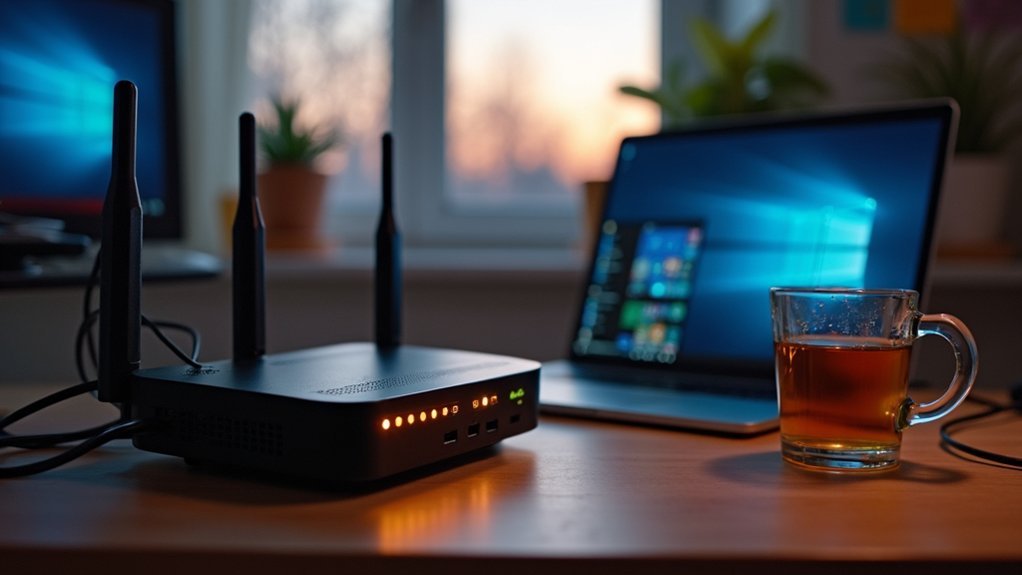
Check your router settings now, because open ports and weak remote credentials let strangers walk straight into your home network.
In case you use a VPN, make sure it’s set up with strong encryption and not leaving traffic exposed or using default logins.
Take a few minutes to change defaults, close unused ports, and verify your VPN so you won’t wake up to someone watching or controlling your devices.
Open Router Ports
Whenever you leave router ports open, you’re basically leaving windows unlatched on your digital home, and attackers can walk right in provided you don’t act.
You want to belong to a safe network, so check port forwarding rules and look for firewall misconfiguration that could expose devices. Close ports you don’t need and restrict access to specific IPs whenever possible. Use your router’s admin tools or a trustworthy guide and examine from outside your network.
In case you need remote access, set up a VPN rather than exposing services directly. Keep firmware updated and log changes so your family can trust the setup.
Should you feel unsure, reach out to a friend or technician and work through settings together.
Weak Remote Credentials
During the moment you open remote access without strong credentials, you’re inviting someone you don’t know into your home network, and that feeling of exposure is real and fixable. You deserve devices that feel like family, not a risk. Use unique passwords, strong credential storage, and rotate keys so one leak won’t expose everything. Check router settings and prefer vetted remote methods that record access logs. In case a device lets you turn off remote access, consider that option until you secure it.
| Risk | Simple Fix |
|---|---|
| Default password | Change to unique passphrase |
| Open ports | Close unused ports |
| No logging | Enable access logs |
| Weak storage | Use encrypted credential storage |
Unencrypted VPN Usage
How would you feel provided a tunnel meant to protect your home left the door wide open? You care about belonging and safety, so picture unencrypted VPN usage as that open door.
Whenever your VPN or router sends unencrypted traffic, anyone on the path can read device names, commands, and streams. That creates privacy leaks and lets attackers poke exposed ports or hijack remote access.
You can check routers for old VPN settings, enable modern encryption like OpenVPN or WireGuard, update firmware, and close unused ports.
You should use strong keys, avoid default configs, and monitor logs for strange connections.
In case you share access with family, teach them these steps so your household stays safe and connected without fear.
Cameras & Mics: Tighten Privacy Settings and Disable What You Don’t Use
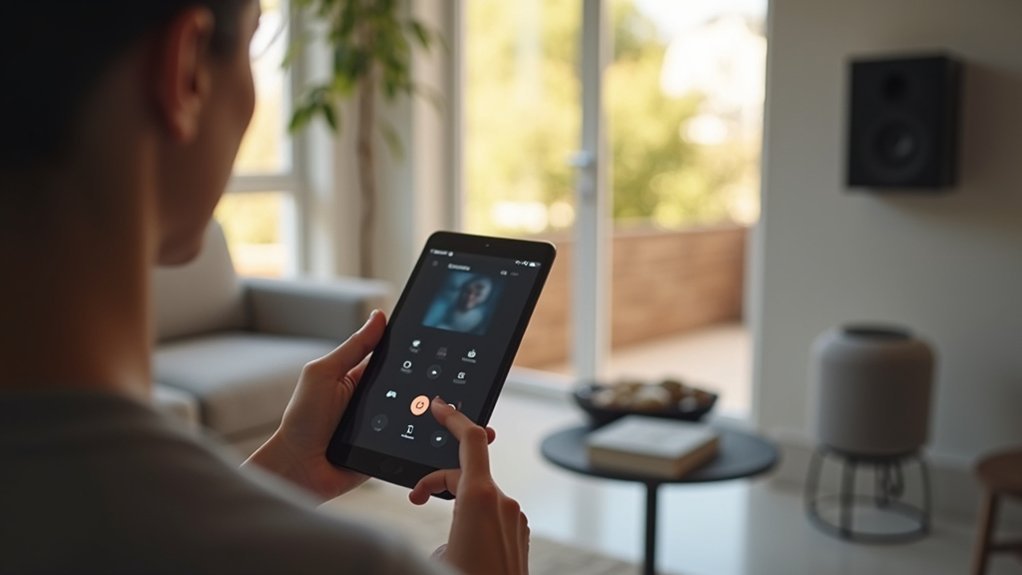
In case you want to keep your home truly private, start with checking every camera and microphone you own and turning off what you don’t need. You deserve a safe space, and small steps help.
Inspect device settings for privacy controls, disable microphones whenever unused, and turn off cameras in private rooms. Watch for signs of microphone eavesdropping and camera tampering like odd recordings or moved lenses.
Change default passwords, enable two factor where offered, and set strict app permissions. Cover lenses whenever guests sleep over and schedule camera off times for private hours.
Should cloud uploads worry you, disable auto saving or pick local storage. Talk with family about rules so everyone feels respected and included.
Network Segmentation for IoT : VLANs, Guest SSIDs, and Device Mapping
Want to keep your smart home devices from talking to each other unless you want them to? You can, and you belong to a group that cares about safety and simplicity.
Start off by creating VLANs and guest SSIDs to separate cameras, thermostats, and family phones. VLANs give each device group its own lane. Guest SSIDs let visitors use Wi Fi without touching sensitive devices.
Map every gadget so you understand where it lives and which network it uses. Use device isolation and traffic filtering to block sideways access and limit what can reach your main computers.
Assess connections, name devices clearly, and revisit mappings whenever you add gear. You’ll feel calmer realizing your network keeps friends in and threats out.
No Logging or Incident Plan : Set Up Alerts, Backups, and Response Steps
At the moment you don’t log events or have a clear incident plan, small problems become emergencies fast, so let’s build a simple system that keeps you ahead of trouble.
You want to belong to a calm household that acts together once a device misbehaves.
Start with basic security monitoring that logs device logins, network changes, and failed attempts.
Set alerts to a phone or email for unusual spikes so you see risks early.
Keep backups of router configs and camera clips in two places.
Write an incident response checklist that anyone in the home can follow: isolate the device, change passwords, pull backups, and contact the vendor.
Practice the steps once a year and update logs so your team stays ready.
Frequently Asked Questions
Can My Smart Devices Be Insured Against Cyberattacks and Breaches?
Yes. You can purchase cyber insurance that typically covers breaches involving smart devices; review coverage limits, exclusions, and any mandatory security measures to ensure your devices are protected.
How Do Manufacturers Handle Vulnerability Disclosures and Recalls?
Manufacturers publish detailed security advisories that describe the flaw, affected models, exploitation methods, and mitigation steps; operate targeted bug bounty programs with clear submission and reward criteria; coordinate with vendors and service providers to stage and test patches; distribute fixes through signed firmware updates and monitored over-the-air deployment; initiate product recalls when a vulnerability poses immediate physical risk; and maintain published timelines, patch status dashboards, and direct customer support channels to rebuild trust.
Can Smart Home Data Be Subpoenaed or Used in Legal Cases?
Yes. Courts can compel smart home companies to produce your data for legal proceedings. Learn which types of device logs and cloud records exist, push for clear company policies and stronger privacy controls, and proactively limit what devices record or send to third parties.
Are Third-Party Device Integrations Audited for Security by Makers?
Some manufacturers perform security audits of third-party integrations, though practices differ widely. Review each integration’s security requirements and authentication methods, participate in user and developer forums to compare experiences, and insist that vendors publish clear audit results and vulnerability handling procedures so device ecosystems remain secure.
What Steps Protect Guests’ Privacy When Using My Smart-Home Devices?
Ask for each guest’s explicit consent before enabling any smart device features that could record audio or video. Grant only the minimum permissions needed for the guest’s stay and turn off or restrict features that are unnecessary. Physically cover or power down cameras and mute microphones in rooms guests will use. Provide a separate Wi‑Fi network for visitors to keep their traffic isolated from your home devices. Remove any guest-related voice profiles, photos, or personal data that devices may have stored once the visit ends. Clearly explain what types of data the devices collect, how long it’s retained, and who can access it. Use temporary access codes or accounts that expire after the stay so guests do not have ongoing access to your systems.
