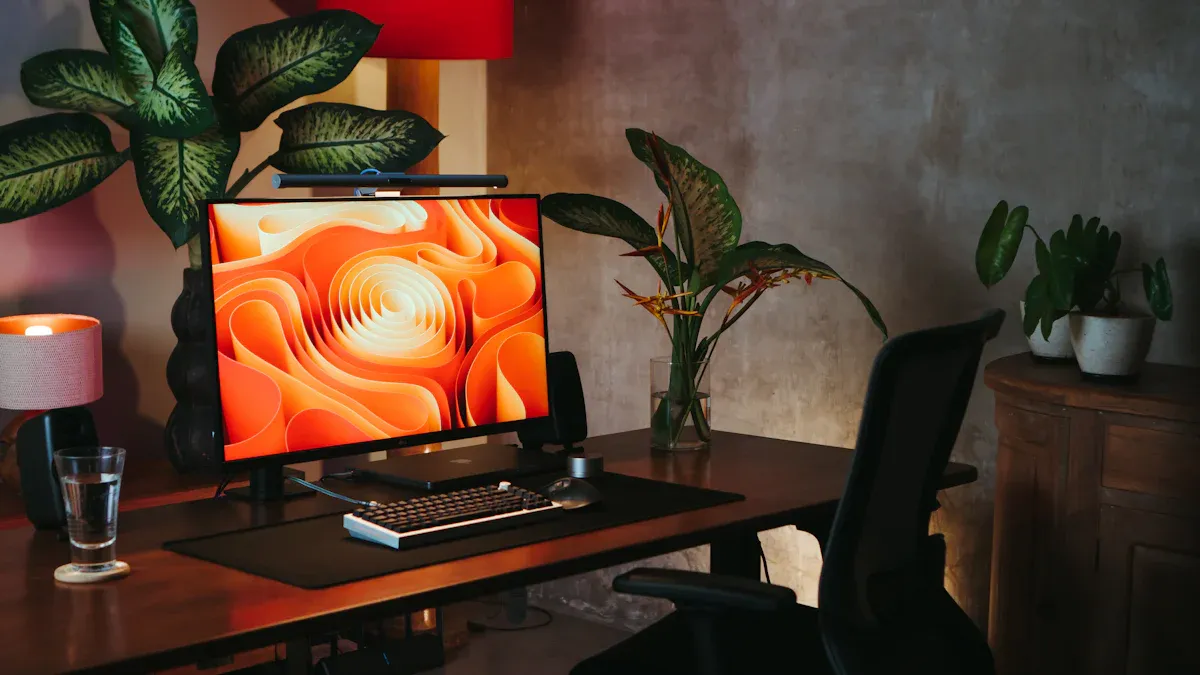
A well-designed home office can make a significant difference in your productivity and health. Did you know that 62% of remote workers feel more productive in a thoughtfully arranged workspace? Balancing technology with ergonomics for comfort and health is crucial. You want to create a space that not only supports your work but also keeps you pain-free. In this blog, you’ll find practical tips for creating the best home office setup that boosts productivity and enhances your well-being.
Key Takeaways
Assess your work style to tailor your home office setup. Understanding your preferences can enhance productivity and comfort.
Invest in ergonomic equipment like supportive chairs and adjustable desks. These tools can prevent discomfort and improve your overall work experience.
Optimize your workspace layout by positioning your desk for natural light and minimizing distractions. A well-placed desk can boost your focus and mood.
Implement effective cable management solutions. Keeping cables organized enhances safety and creates a tidy workspace.
Choose the right task lighting to reduce eye strain. Proper lighting can help you work longer and more comfortably.
Assessing Your Home Office Setup
Work Style Analysis
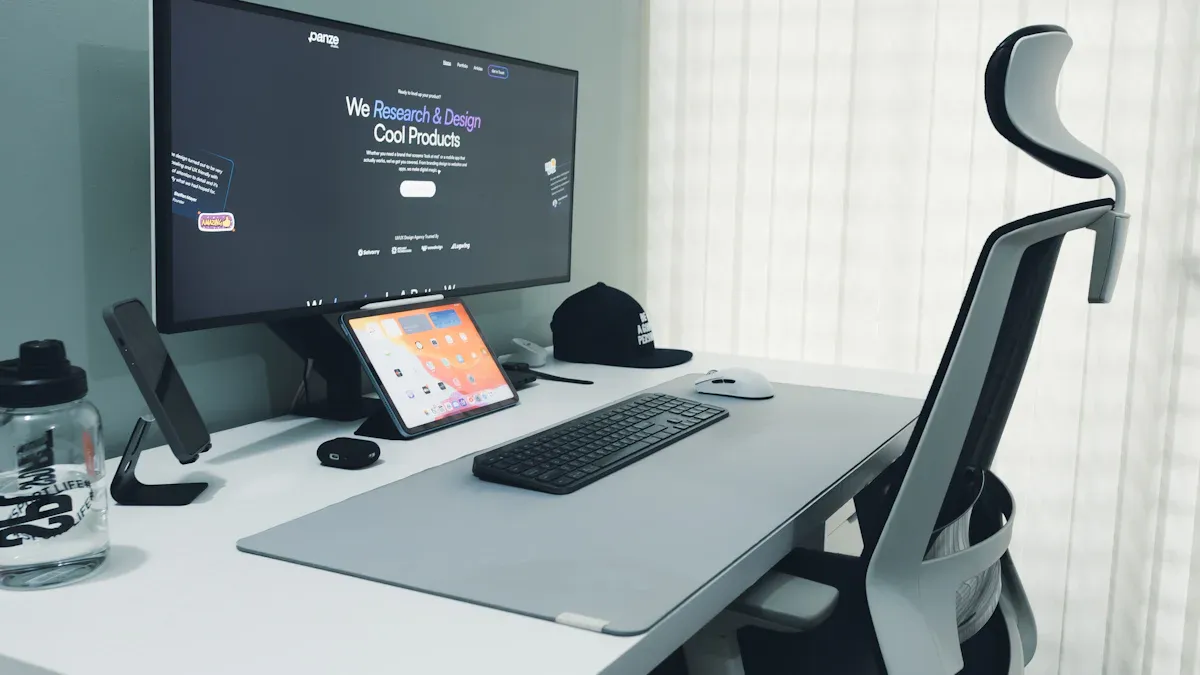
Understanding your work style is the first step in creating the best home office setup. Everyone has unique preferences and habits that influence how they work. By analyzing your work style, you can tailor your workspace to fit your needs. Here are some methods to help you assess your work style:
Work style assessments: Answer questions about your personality and preferences to identify your work habits.
Communication style considerations: Think about how you communicate with others. This can reveal insights into your individual preferences.
Enjoyment factors: Recognize what tasks you enjoy. This can help define your work style.
Conflict style identification: Analyze how you handle conflict. This can provide clues about your work style.
Different work styles can influence your choice of home office electronics and furniture. For example:
High-quality areas for collaboration lead to increased productivity levels.
Standing meetings can reduce meeting times and enhance focus.
Work Style | Desk Size and Features | Chair Selection | Storage Needs |
|---|---|---|---|
Graphic Designers | Require larger desks to accommodate multiple devices like tablets and monitors. | Need comfortable chairs to avoid back pain during long hours of work. | May need extensive storage for design materials and references. |
Writers and Authors | Prefer smaller desks with additional storage for books and notes. | Should invest in well-supported chairs to maintain comfort while writing. | Typically require simpler setups with less storage. |
Minimalists | Opt for compact, multi-functional furniture to save space. | Choose ergonomic chairs that support good posture without taking up much space. | Prefer minimal storage solutions, focusing on essential items only. |
Ergonomic Principles
Ergonomics for comfort and health is essential in any home office setup. Following ergonomic principles can help you maintain a healthy posture and reduce the risk of discomfort. Here are some core ergonomic principles to consider:
Ensure desk and chair alignment maintains 90° angles at elbows, hips, and knees.
Position the monitor so the top third of the screen is at eye level.
Use wrist supports to maintain neutral wrist positions while typing.
To further enhance your comfort, keep these tips in mind:
Maintain proper posture by using supportive surfaces for laptops and ensuring your feet rest flat on the ground.
Take regular breaks to reduce the risk of musculoskeletal disorders caused by repetitive motion.
Utilize ergonomic tools and furniture to adapt your workstation to fit your body.
Research shows that implementing ergonomic principles can significantly reduce musculoskeletal disorders among remote workers. A study found that after six weeks of following ergonomic guidelines, participants reported less stress in their lower back, neck, and shoulders. This highlights the importance of creating a productive home office setup that prioritizes your health.
Essential Ergonomic Home Office Equipment
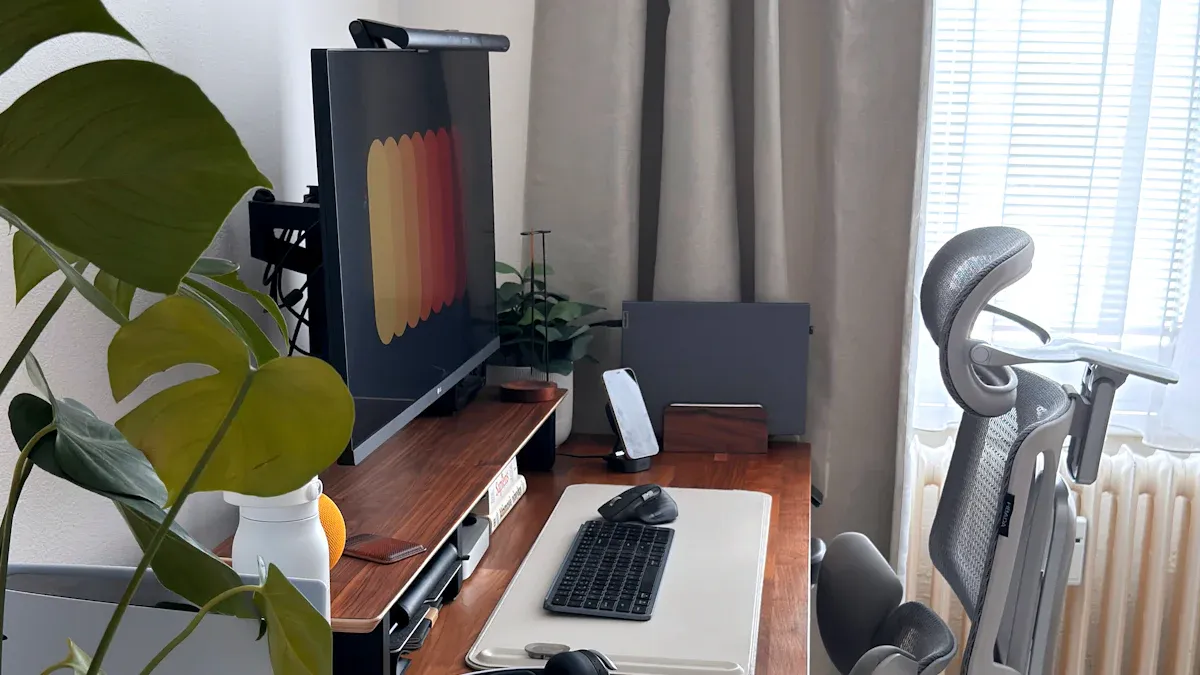
Creating a productive home office setup starts with the right ergonomic equipment. Investing in ergonomic home office equipment can significantly enhance your comfort and productivity. Here are three essential items you should consider:
Ergonomic Chairs
A supportive office chair is crucial for maintaining comfort during long work hours. When selecting an ergonomic chair, focus on these key features:
Feature | Description |
|---|---|
Body Size Consideration | Ergonomic chairs should accommodate different body sizes, ensuring comfort for all users. |
Adjustability | Features like seat height, lumbar support, neck support, and armrests should be adjustable. |
Materials | Use breathable and durable materials for comfort and longevity, such as cooling mesh and quality cushioning. |
Lumbar Support | Essential for maintaining proper posture and comfort during long sitting periods. |
Armrests | Should be adjustable to reduce tension in shoulders and wrists. |
Headrests | Provide additional neck and upper back support, preventing tension headaches. |
With the right ergonomic chair, you can reduce the risk of back pain and improve your overall work experience. Some of the most highly rated ergonomic chairs include:
Chair Name | Best For | Comfort Rating | Adjustability Rating | Price Point |
|---|---|---|---|---|
Branch Ergonomic Chair | Most People | 7.6 | 7.7 | Affordable |
SIHOO M18 Ergonomic Big and Tall | Back Support | N/A | N/A | N/A |
Modway Articulate | Tight Budget | N/A | N/A | N/A |
Steelcase Leap | Luxury | N/A | N/A | High |
EDX Armless Criss Cross Chair | Unconventional Sitting | N/A | N/A | N/A |
Adjustable Desks
Adjustable desks, or sit-stand desks, allow you to switch between sitting and standing throughout the day. This flexibility can lead to improved posture and increased productivity. Here’s how adjustable desks benefit you:
Benefit | Description |
|---|---|
Improved Posture | Alternating between sitting and standing promotes better spinal alignment and reduces slouching. |
Increased Productivity | Users of standing desks report higher levels of focus and engagement, leading to better work output. |
By incorporating a sit-stand desk into your home office setup, you can create a more dynamic work environment that keeps you energized and focused.
Monitor Stands
Proper monitor positioning is vital for reducing eye strain and neck pain. Using monitor stands can help you achieve the right height and angle for your screen. Here are some types of monitor stands to consider:
Type of Monitor Stand | Features |
|---|---|
Fixed-height stand | Provides a stable platform, ideal for users with adjustable desks or minimalist preferences. |
Adjustable stand | Offers height adjustability for different users, can be manual or motorized. |
Articulating/swiveling stand | Allows tilting and rotating for optimal viewing angles, useful for tasks requiring flexibility. |
Research shows that proper monitor setup can reduce eye strain symptoms by up to 60% within the first week of implementation. To prevent eye strain and neck pain, position your monitor about an arm’s length away, with the top of the screen at or slightly below eye level. This setup allows for a natural downward gaze, promoting comfort and reducing strain.
By investing in ergonomic equipment for your home office, you can create a workspace that supports your health and boosts your productivity.
Optimizing Your Workspace Layout
Desk Placement
Your desk placement can significantly impact your productivity and comfort. Positioning your desk to face the window has many advantages. The biggest benefit is the access to natural light, which can elevate your mood and improve alertness. Here are some tips for optimal desk placement:
Face Natural Light Without Glare: Position your desk near a window to enjoy natural light without glare on your screen.
Avoid Facing High-Traffic Areas: This reduces visual distractions and interruptions, helping you stay focused.
Keep Your Back Protected: Having a wall or tall furniture behind you creates a sense of security, which is important for comfort.
Create a Dedicated Work Zone: Separating your workspace from living areas helps you mentally shift into work mode.
A dedicated workspace helps maintain a clear boundary between work and personal life. Choose a quiet and well-lit area, away from distractions like the television or high-traffic hallways.
Cable Management
Effective cable management is essential for a tidy and safe workspace. Properly organizing your cables minimizes hazards like trips and falls while enhancing your workspace’s overall aesthetics. Here are some effective cable management solutions:
Cable Management Trays: Mount these under your desk to keep power strips and excess cables organized.
Cable Clips and Holders: Secure individual cables to prevent tangling and keep them accessible.
Cable Sleeves and Ties: Bundle multiple cables for a uniform look and easy adjustments.
Power Strips with Mounts: Mount these under the desk to keep them secure and out of sight.
Proper cable management not only improves safety but also contributes to a more efficient environment. By organizing cables neatly, you reduce the risk of accidents and protect valuable equipment.
Task Lighting
Good task lighting is crucial for reducing eye strain and enhancing productivity. Here are some recommended types of task lighting for your home office:
Adjustable Desk Lamps: Flexible arms allow you to position the light away from the monitor to reduce glare.
Monitor Light Bars: These clip onto your monitor, illuminating the desk without reflections on the screen.
Dimmers: Adjust light intensity based on the time of day or task.
Adjustable Color Temperature: This feature allows you to shift between cool and warm light to support your natural circadian rhythms.
Implementing proper task lighting can significantly reduce eye strain, allowing you to work more comfortably and efficiently. Remember, the right lighting can help you maintain focus and work longer without discomfort.
Best Home Office Setup Tools
Keyboards and Mice
Choosing the right keyboards and mice can make a big difference in your comfort and productivity. Look for features that enhance ergonomics for comfort and health. Here are some key features to consider:
Adjustable DPI/sensitivity: This reduces hand movement and helps you work more efficiently.
Multiple grip sizes: A mouse that fits your hand comfortably can prevent strain.
Programmable buttons: These minimize repetitive clicking, which can lead to discomfort.
Wireless connectivity: Enjoy a cleaner desk setup and more flexibility in positioning.
When it comes to keyboards, consider options like split keyboards. They allow your arms to approach the keys at a natural angle, reducing shoulder tension. Compact keyboards can also help by eliminating the number pad, which reduces reach distance to the mouse.
Some recommended ergonomic options include:
Anker Wireless Vertical Mouse: Great for its budget-friendly price and ergonomic wrist position.
Evoluent Vertical Mouse D: Praised for customizable buttons and a responsive laser sensor.
Contour Design Unimouse: Noted for its adjustability to fit different hand sizes.
High-Speed Internet Routers
A reliable internet connection is essential for any home office setup. You need a router that can handle your work demands. Here’s a quick look at the minimum speed requirements based on your usage:
User Scenario | Download Speed (Mbps) | Upload Speed (Mbps) |
|---|---|---|
Basic remote work | 25 | 5 |
Professional remote work | 50-100 | 10-25 |
Power users with multiple workers | 100+ | 25+ |
Enterprise-level remote work | 1000+ | N/A |
Investing in a high-speed router ensures smooth video conferencing and efficient file transfers.
Docking Stations
Docking stations are fantastic for connecting multiple devices in your home office. They offer several advantages:
Multi-Monitor Support: Work on multiple tasks across several screens.
Reduced Clutter: Centralize your peripherals for a neater workspace.
Flexibility: Easily transition between office and remote setups.
Improved Ergonomics: Connect to larger monitors and full-sized keyboards to reduce strain.
Some popular docking stations include:
Docking Station | Features | Compatibility |
|---|---|---|
Kensington SD5780T | 3 Thunderbolt 4 connectors, 4 USB-A 3.2 Gen2 ports, 2.5G Ethernet | Multiple screens and peripherals |
Satechi Dual Dock Stand | 1 display, 2 HDMI ports, 4K video | Windows and iOS devices |
CalDigit TS4 | 18 ports, 98W charging, 8K display support | Professional workstations |
By incorporating these tools into your home office setup, you can enhance your productivity and comfort.
Creating the best home office setup is essential for your productivity and health. By investing in ergonomic home office equipment, you can prevent chronic pain and musculoskeletal disorders. This leads to fewer work-related injuries and lower absenteeism rates. Remember, a supportive office chair and adjustable desks can significantly enhance your comfort.
Take action today! Start by assessing your workspace and making small changes. Whether it’s improving your desk layout or upgrading to ergonomic keyboards, every step counts. A well-designed workspace not only boosts your productivity but also enhances your overall well-being.
Your home office is more than just a place to work; it’s an investment in your future.
FAQ
What is ergonomic equipment for home office?
Ergonomic equipment for home office includes items designed to support your body and promote comfort. This can range from supportive office chairs to adjustable desks and ergonomic keyboards. These tools help reduce strain and improve your overall work experience.
How do I choose the best home office setup?
To choose the best home office setup, consider your work style and space. Focus on ergonomic home office equipment like adjustable desks and supportive chairs. Ensure proper monitor positioning and good lighting to enhance productivity and comfort.
Why are sit-stand desks beneficial?
Sit-stand desks allow you to alternate between sitting and standing. This height adjustment promotes better posture and reduces fatigue. By using these desks, you can stay more engaged and productive throughout your workday.
How can I improve my desk ergonomics?
To improve your desk ergonomics, ensure your chair supports your back and your feet rest flat on the ground. Use adjustable monitor arms for proper monitor positioning. Also, keep your wrists straight while typing to avoid strain.
What features should I look for in ergonomic keyboards?
When choosing ergonomic keyboards, look for features like split designs and adjustable height. These options help maintain a natural wrist position. Additionally, consider keyboards with cushioned palm rests for added comfort during long typing sessions.