Maintaining your electronics is key to keeping them running smoothly. Regular care can significantly extend device lifespan, saving you money on repairs and replacements. Plus, it helps reduce e-waste and the need for new products. By adopting these electronics maintenance tips, you ensure your devices perform at their best for longer.
Key Takeaways
Regular cleaning of your electronics prevents overheating and performance issues. Use a microfiber cloth with a safe cleaning solution to keep devices in top shape.
Establish a maintenance schedule that includes daily checks for updates and weekly or monthly inspections. This routine helps catch problems early and reduces repair costs.
Proper storage of electronics is crucial. Keep devices in a cool, dry place with good air circulation to prevent damage from heat and moisture.
Cleaning Tips
General Cleaning
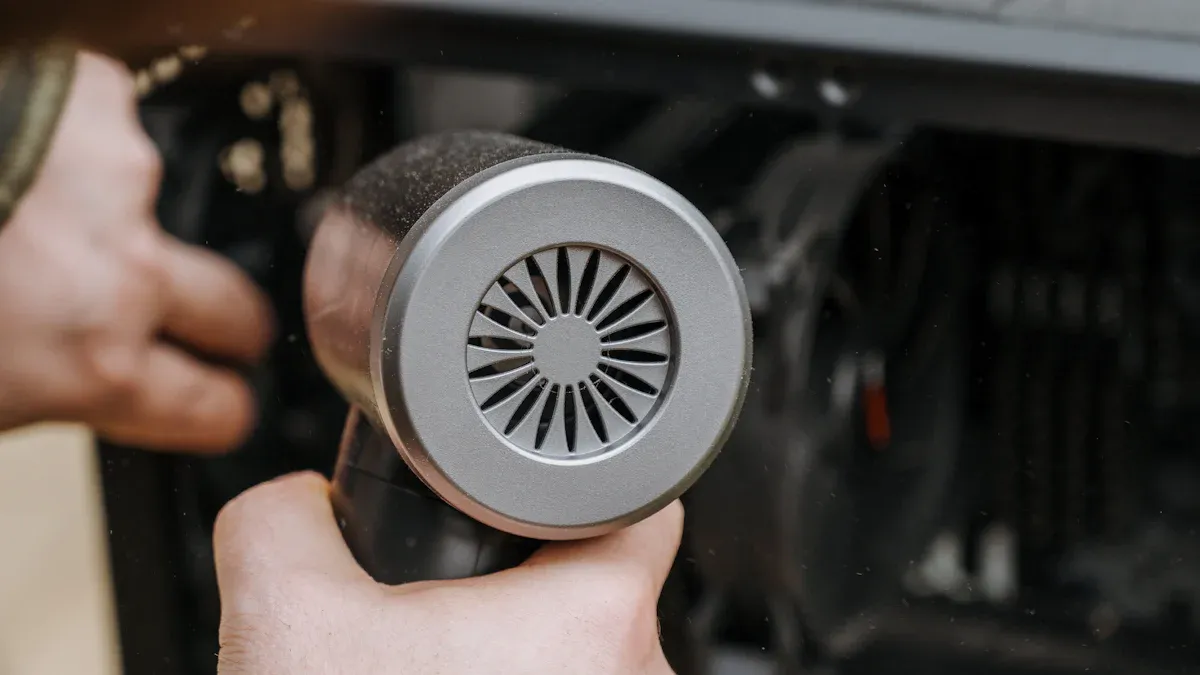
Keeping your electronics clean is essential for their longevity. Dust and grime can accumulate over time, leading to overheating and performance issues. Regular cleaning helps prevent these problems and keeps your devices running smoothly. Here are some common contaminants you might find on your devices and how they can affect performance:
Flux Residue: Attracts dust and moisture, which can lead to short circuits.
Ionic Contamination: Charged particles may cause leakage currents, especially in high-density boards.
Dust and Particulate Matter: Traps moisture and creates conductive paths over time.
Oils and Fingerprints: Interfere with soldering quality and can create conductive paths if not cleaned.
Moisture and Humidity: Acts as a catalyst for other contaminants, increasing conductivity and accelerating corrosion.
To keep your devices in top shape, follow these cleaning tips:
Use a microfiber cloth: This prevents scratches and effectively removes dust without leaving lint behind.
Dampen the cloth: Lightly moisten it with a solution of 70% isopropyl alcohol and 30% water. This mixture is safe for most surfaces.
Avoid harsh chemicals: Stay away from Windex, Clorox, or Lysol, as they can damage your devices.
Unplug devices before cleaning: Always turn off and unplug your electronics to avoid any electrical issues.
Device-Specific Techniques
Different devices require specific cleaning methods to ensure safety and effectiveness. Here’s how to clean your most common electronics:
Smartphones:
Use a microfiber cloth with the alcohol solution mentioned above.
Avoid applying hand sanitizer directly to the screen.
Check the manufacturer’s manual for any specific instructions.
Laptops:
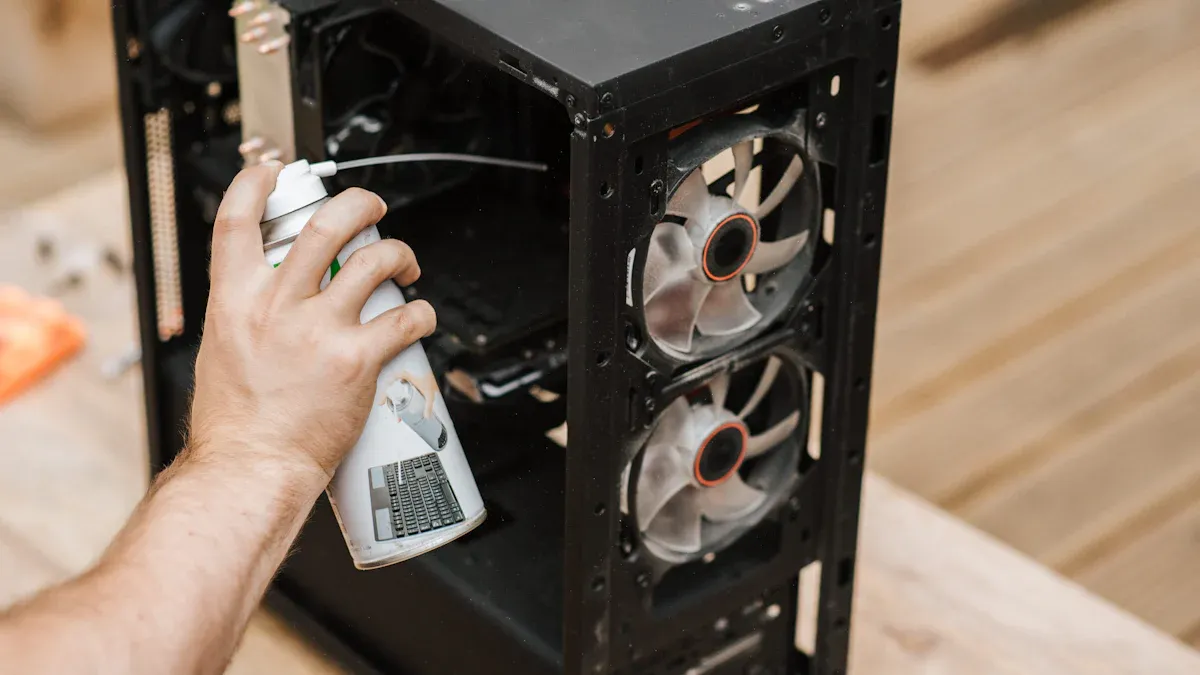
Use compressed air to blow out dust from the keyboard and vents. Be careful not to push debris deeper into the device.
Wipe the screen with a damp microfiber cloth, avoiding excess moisture near openings.
Televisions:
Use a soft, dry microfiber cloth to wipe the screen. If needed, slightly dampen the cloth with the alcohol solution.
Never spray cleaners directly onto the screen; always apply them to the cloth first.
Regular cleaning not only enhances the appearance of your devices but also reduces the risk of malfunctions. Studies show that cleaning mobile phones and keyboards can significantly reduce microbial contamination. For instance, using antibacterial wipes can achieve up to a 100% reduction of harmful bacteria on surfaces.
Remember, dust accumulation can lead to overheating and performance loss. It acts as an insulator, trapping heat generated by electronic components. This can cause your devices to throttle performance to manage heat, leading to potential damage over time.
By following these cleaning tips, you can effectively clean and maintain the device, ensuring it lasts longer and performs better.
Maintenance Schedules
Daily Tasks
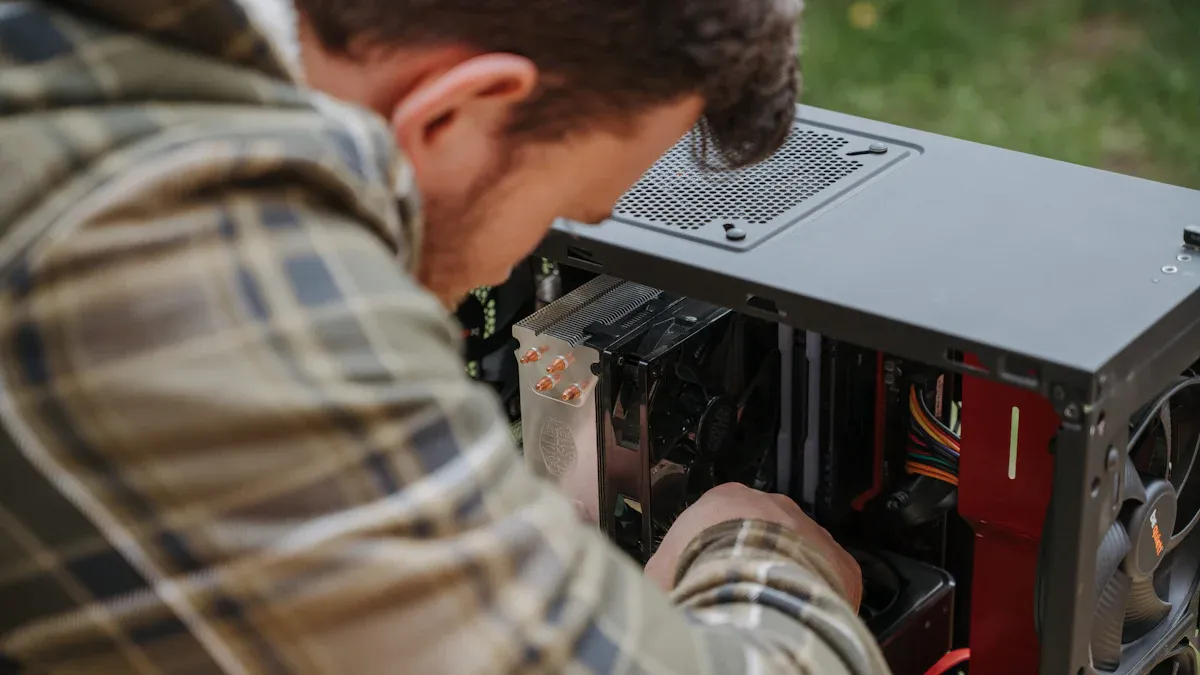
You can keep your electronics in great shape with a few simple daily tasks. Regular maintenance helps prevent common issues and keeps your devices running smoothly. Here are some daily tasks you should consider:
Check for updates: Make sure your software and apps are up to date. This helps improve performance and security.
Clean surfaces: Wipe down your devices to remove dust and fingerprints. This simple act can prevent overheating and extend their lifespan.
Inspect cables: Look for any frayed or damaged cables. Replacing them early can prevent further issues.
By performing these daily tasks, you reduce the risk of equipment failure and ensure your devices work efficiently.
Weekly/Monthly Checklists
In addition to daily tasks, you should establish a routine for weekly and monthly maintenance. This helps catch potential problems before they escalate. Here’s a handy checklist to follow:
Type of Schedule | Description | Best For |
|---|---|---|
Fixed PM schedules | Operate on predetermined time intervals regardless of equipment usage. | Equipment requiring inspections due to regulations and systems with time-based deterioration. |
Floating PM schedules | Base timing on when the previous work was completed, adjusting future dates. | Equipment where occasional maintenance delays won’t significantly impact operations. |
Meter-based PM schedules | Trigger maintenance based on actual equipment usage rather than time. | Vehicles tracked by mileage, production machinery measured by cycles, and HVAC systems. |
Routine device maintenance not only improves reliability but also reduces repair costs. Regular inspections can identify issues before they lead to failures. Plus, fewer emergency calls mean lower repair expenses. So, schedule annual maintenance checks to keep everything in top shape!
Preventive Care
Storage Tips
Proper storage is crucial for protecting your electronics from overheating and moisture damage. Here are some effective storage practices to keep your devices safe:
Choose the Right Environment: Select a storage space that allows for ample air circulation. Avoid cramped areas where heat can build up.
Maintain Ideal Conditions: Keep the temperature between 15°C to 25°C (59°F to 77°F) and humidity levels between 30% to 60%. This helps prevent moisture damage and overheating.
Use Protective Materials: When packing devices, use anti-static bubble wrap and silica gel packets. These materials help protect against static electricity and moisture.
Elevate Devices: Store electronics off the floor to avoid water damage from spills. This simple step can save you from costly repairs.
Regular Checks: Periodically inspect stored devices to catch any potential issues early. Consider using smart technology for real-time monitoring of temperature and humidity.
Improper storage can lead to increased failure rates due to environmental stress and inadequate maintenance. For example, devices stored in damp or hot conditions may experience hardware malfunctions or reduced performance.
Factor | Impact on Device Failure Rates |
|---|---|
Improper Storage | Leads to increased failure rates due to environmental stress and inadequate maintenance. |
Equipment Downtime | Caused by improper storage, affecting reliability and safety. |
Device Performance | Reduced due to factors related to improper storage. |
Software Management
Keeping your software up to date is just as important as physical maintenance. Regular updates can enhance security and improve performance. Here’s how to manage your software effectively:
Stay Updated: Regularly check for software updates. These updates often include security patches that protect your devices from cyber threats.
Backup Your Data: Use the 3-2-1 backup rule: keep three copies of your data, one original and two backups on different media, with one stored offsite. This practice ensures you won’t lose important files during maintenance.
Clear Unused Apps: Uninstall applications you no longer use. This frees up space and can improve device performance.
Monitor Battery Health: Regularly check your battery’s health. This helps you avoid unexpected shutdowns and prolongs battery life.
Benefit/Risk | Description |
|---|---|
Security Enhancements | Fix security vulnerabilities to protect against cyber threats. |
Improved Performance | Enhancements that make devices run faster and more efficiently. |
New Features | Introduction of new functionalities that enhance user experience. |
Compatibility | Ensures devices can run the latest applications and connect with new technology. |
Security Threats | Ignoring updates can lead to vulnerabilities, exposing devices to malware and data theft. |
Poor Performance | Devices may become sluggish and prone to crashes without updates. |
Loss of Features | Missing out on new functionalities that improve device usability. |
Compatibility Issues | Older software may struggle with newer applications, limiting device usefulness. |
By following these preventive IT maintenance tips, you can significantly extend device lifespan and ensure your electronics remain reliable and efficient.
Common Issues
Troubleshooting
You might encounter various issues with your electronics. Here are some effective troubleshooting steps to help you resolve common problems:
Determine the Faulty Sub-System: Identify which major component might be causing the issue.
Prove the Fault: Conduct tests to confirm the faulty part.
Failure Analysis: Investigate the root cause of the failure.
Retesting: After repairs, verify that everything works correctly.
For minor issues, start with these basic checks:
Reset circuit breakers and check fuses.
Use a multimeter to measure voltage, current, and resistance.
Inspect internal components like capacitors and circuit boards for faults.
Having the right tools can make troubleshooting easier. Consider using a multimeter, an oscilloscope, or a soldering iron for repairs.
Professional Help
Sometimes, you need to call in the experts. Here are some warning signs that indicate it’s time to seek professional repair services:
Issue | Description | Action Required |
|---|---|---|
Cracks or Shattered Glass | Compromises device integrity and can cause injuries. | Schedule professional repair immediately. |
Unresponsive or Flickering Touch Display | Indicates hardware failure or software glitches. | Seek professional diagnostics to determine the cause. |
Visible Lines or Discoloration | Suggests internal display damage. | Immediate professional attention is necessary. |
Random Screen Freezing or Ghost Touches | Disrupts functionality, indicating deeper issues. | Obtain expert diagnostic services quickly. |
Reduced Screen Brightness or Dark Spots | Suggests screen damage. | Professional diagnosis needed to prevent further deterioration. |
Delayed Response When Tapping or Swiping | Indicates issues with the digitizer. | Immediate evaluation by professionals is advised. |
Minor Damage That Gets Worse Over Time | Small imperfections can escalate into major problems. | Repair promptly to prevent expensive replacements. |
Ignoring these signs can lead to more significant issues down the line. Regular maintenance can help reduce the frequency of these problems, but knowing when to seek help is just as crucial.
Regular maintenance is crucial for extending the lifespan of your electronics. By cleaning your devices, following maintenance schedules, and practicing preventive care, you can keep them running smoothly.
Here are some key takeaways:
Key Aspect | Description |
|---|---|
Benefits of Regular Maintenance | Extends equipment lifespan, optimizes availability, and ensures good operating condition. |
Consequences of Neglect | Decreased productivity, increased costs, and negative impact on profitability. |
So, take action today! Your devices—and the environment—will thank you.