Smart Living, Made Easy Enhance Your Home with the Latest Tech
SmartHomeUses.com is dedicated to helping homeowners and renters embrace smart living. Explore smart home tech, home décor ideas, kitchen gadgets, and more to make life easier and more connected.
Explore Our Smart Home Categories
Smart Home
Guides on smart home technology, IoT devices, home automation, and security.
Browse Smart Home
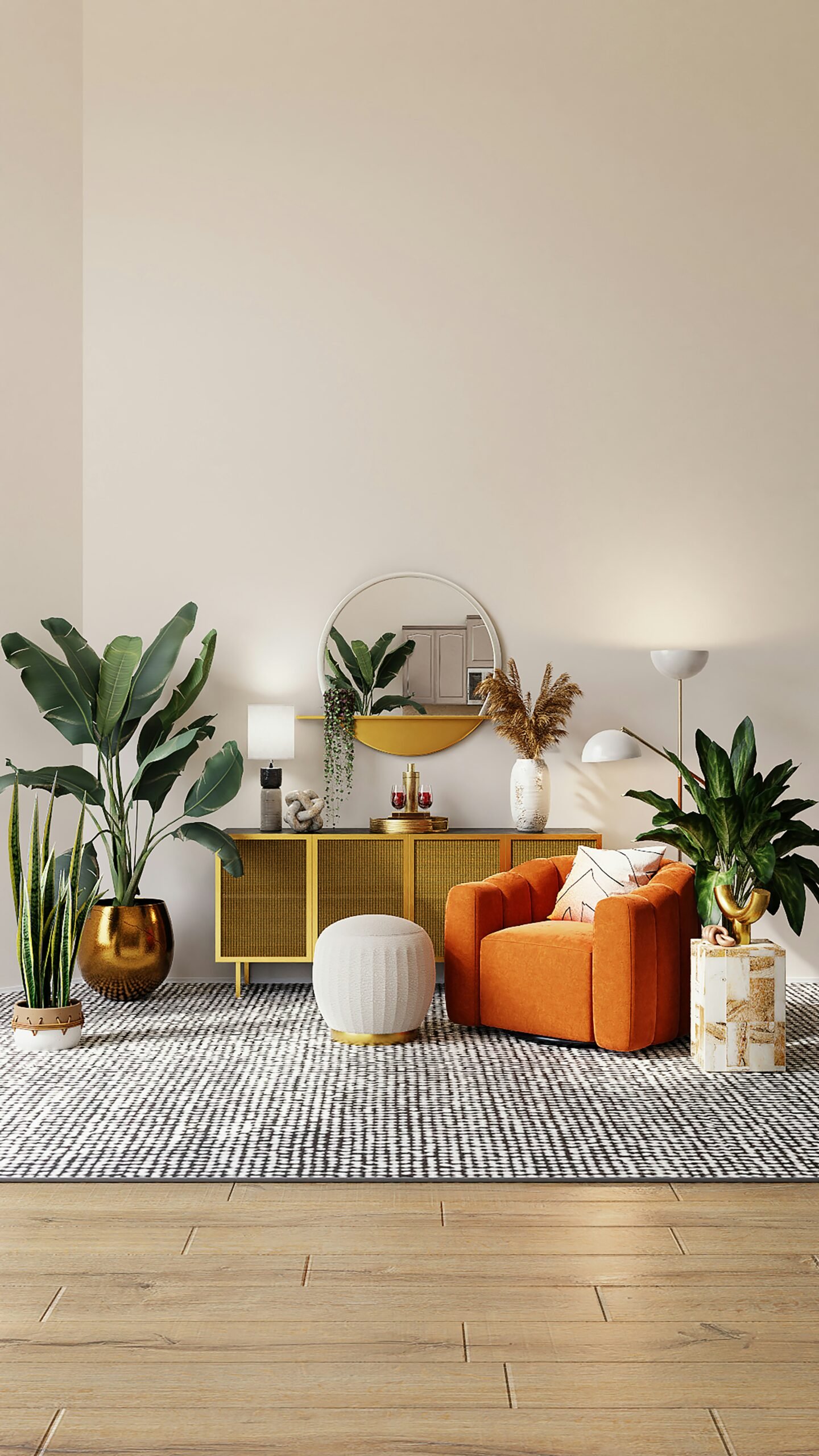
Home Décor
Stylish, practical home décor ideas, including furniture, color palettes, and DIY décor.
Home Décor
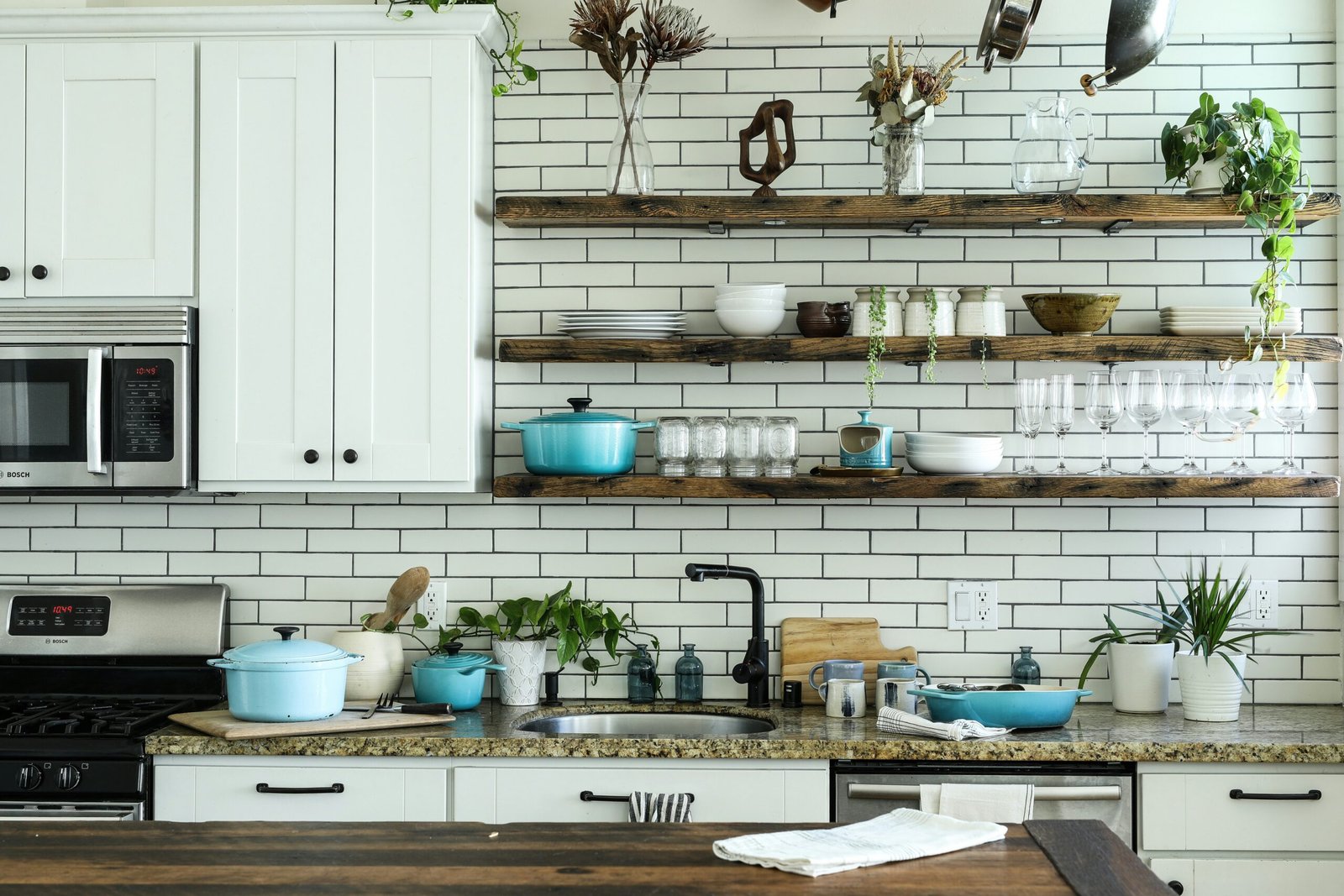
Kitchen
Smart kitchen gadgets, appliances, and organization ideas to streamline your cooking space.
Explore Kitchen Ideas
Smart Outdoor
Smart outdoor tech, including garden lights, weather stations, and security solutions.
Browse Smart Outdoor
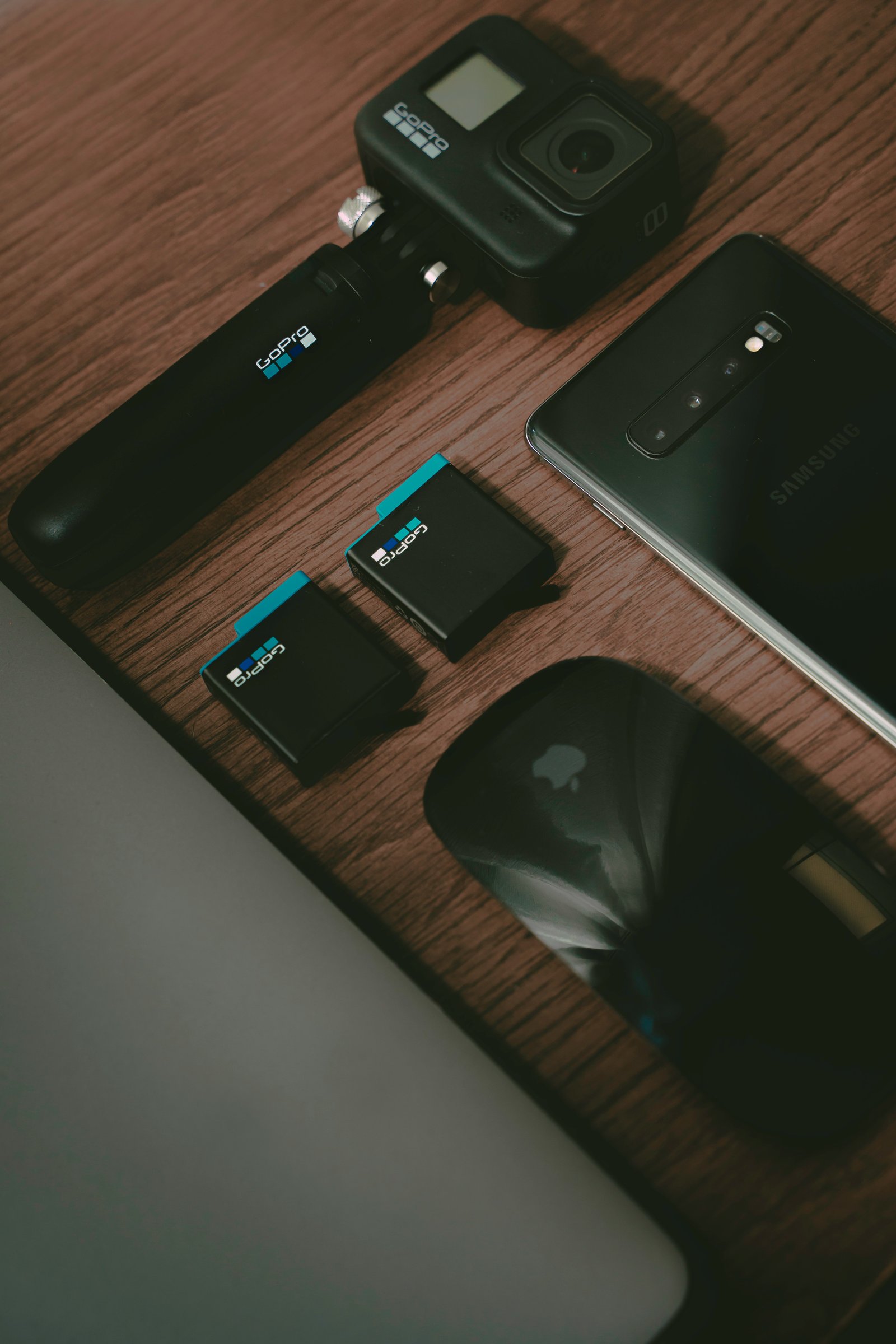
Electronics
The latest in electronics, from smart TVs to wearable tech, and everything in between.
See ElectronicsChoose Your Smart Home Focus

Smart Home Insights
What is a smart home and how to build one?
Learn the fundamentals of creating a connected home that fits your lifestyle and budget.
Read MoreChoosing the right smart home platform: Alexa vs Google Assistant
Compare the two leading platforms to find which one works best for your needs.
Read MoreWhy smart lighting improves home security
Discover how automated lighting can deter intruders and give you peace of mind.
Read MoreWhy Trust SmartHomeUses.com?
Expert-Reviewed Guides
Our smart home guides are thoroughly researched and reviewed by industry experts.
Practical Advice
We provide actionable advice tailored for real homes and budgets.
Regular Updates
Content is regularly updated to reflect the latest products and technologies.
Non-Biased Reviews
Honest, unbiased product comparisons to help you make informed decisions.
Smart Tech Comparison
Smart Thermostats: Nest vs Ecobee
| Features | Nest | Ecobee |
|---|---|---|
| Ease of Use | ||
| Price | $$$ | $$ |
| Remote Sensors | ||
| Voice Control | Google Assistant | Alexa, Google Assistant |
| Energy Savings | 10-12% | 8-10% |
Smart Home Innovations
Smart Home Setup Guides
- Turn off power to your HVAC system at the breaker
- Remove old thermostat and label wires
- Mount new thermostat base and connect wires
- Download companion app and create account
- Connect thermostat to your WiFi network
- Configure heating/cooling schedules
- Screw in smart bulb to existing fixture
- Turn on power to the bulb
- Download manufacturer's app
- Put bulb in pairing mode (usually by turning on/off 3-5 times)
- Connect bulb to app and WiFi
- Create lighting scenes and schedules
- Assess your home's vulnerable points
- Choose a security system (monitored or self-monitored)
- Install door/window sensors
- Set up security cameras at entry points
- Configure motion detectors
- Test system and set up alerts